
A newsletter platform rents you your own audience. You write the posts, you bring the readers, and the platform charges by the head once your list crosses a few thousand names. The send button is theirs. The list export is theirs to make easy or annoying. The pricing is theirs to change.
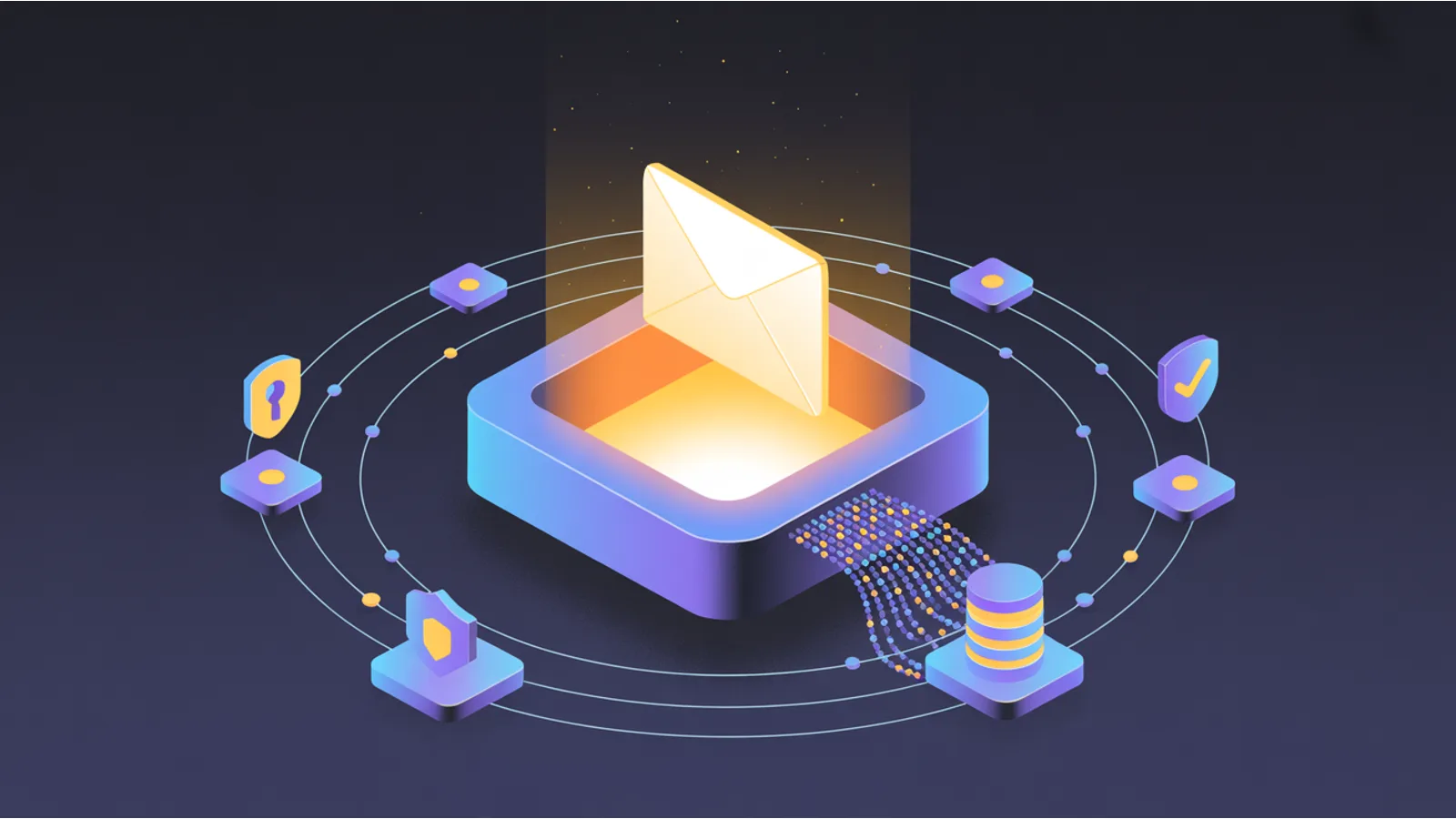
You can own the whole thing instead. A subscriber list lives in a key-value store. A single scheduled function builds the email and sends it. A delivery API puts it in the inbox. That is the entire system. It runs on a free tier until you have real volume, and the part that does the sending is one function you can point at any provider you like.
Here is how the pieces fit, with working code you can adapt, and a straight comparison of the sending providers that slot into the same socket.
Three primitives, nothing more
Every "send email to a list on a schedule" system is the same three parts:
- A store. Somewhere to keep who is subscribed and whether they confirmed. A key-value or blob store is plenty: Netlify Blobs, Cloudflare KV, Deno KV, an S3 bucket, even a single JSON file if your list is small.
- A function. Serverless functions on Netlify, Cloudflare, Vercel, or Deno Deploy. One handles a new signup, one confirms it, one sends the digest on a timer, one handles unsubscribes.
- A provider. The thing that actually hands your mail to Gmail with a good reputation. This is the one piece you should not build yourself, and it is the easiest to swap.
Get those three talking and you have a newsletter you control, a transactional sender, a drip sequence, and an alerting system all at once. They are the same plumbing pointed at different content.
Step 1. The subscriber store and double opt-in
Store one record per subscriber. Key it by a hash of the email so the email address never sits in a filename, and so a lookup is a single get instead of a scan:
{
  "email": "reader@example.com",
  "confirmed": true,
  "confirmToken": "9f2c1a...",
  "unsubToken": "a17b94...",
  "createdAt": "2026-05-25T14:02:11Z",
  "confirmedAt": "2026-05-25T14:03:48Z"
}
The confirmed flag is what makes this double opt-in. A new signup starts at false. You only ever send the digest to records that flipped to true after the reader clicked a confirmation link. That single boolean keeps you out of most spam trouble, because every name on your list raised its hand twice.
The two tokens are random, single-purpose secrets. One confirms the subscription, one cancels it. Neither is guessable, so the confirm and unsubscribe links work without a login.
Step 2. Subscribe and confirm
The subscribe function validates the address, writes an unconfirmed record, and sends the confirmation email:
// subscribe.mjs  →  POST /api/subscribe   { "email": "..." }
import crypto from 'node:crypto';
import { store } from './_store.mjs';
import { sendEmail } from './_send.mjs';

export default async (req) => {
  const { email } = await req.json();
  if (!isValidEmail(email)) return json({ error: 'bad email' }, 400);

  const key = `subs/${sha256(email)}.json`;
  const existing = await store.get(key);
  if (existing?.confirmed) return json({ ok: true });   // already subscribed

  const record = {
    email,
    confirmed: false,
    confirmToken: crypto.randomUUID(),
    unsubToken: crypto.randomUUID(),
    createdAt: new Date().toISOString()
  };
  await store.set(key, record);

  await sendEmail({
    to: email,
    subject: 'Confirm your subscription',
    html: `<p>Tap to confirm you want the digest:</p>
           <p><a href="https://yoursite.com/api/confirm?t=${record.confirmToken}&e=${sha256(email)}">Yes, subscribe me</a></p>`
  });
  return json({ ok: true });
};
The confirm function checks the token and flips the flag:
// confirm.mjs  →  GET /api/confirm?t=...&e=...
export default async (req) => {
  const url = new URL(req.url);
  const key = `subs/${url.searchParams.get('e')}.json`;
  const rec = await store.get(key);
  if (!rec || rec.confirmToken !== url.searchParams.get('t')) {
    return new Response('Invalid or expired link', { status: 400 });
  }
  rec.confirmed = true;
  rec.confirmedAt = new Date().toISOString();
  await store.set(key, rec);
  return Response.redirect('https://yoursite.com/subscribed/', 302);
};
Your signup form is a plain POST to /api/subscribe. No third-party embed, no script tag, no cookie.
Step 3. The daily fan-out
One function builds the email once and sends it to everyone. The piece that catches people out is the double-send guard. A scheduled function can fire twice if a retry kicks in, and a manual test can land on top of the real run. So write a "seal" for the day before you send, and check for it first:
// digest.mjs  →  runs on a daily schedule
import { store } from './_store.mjs';
import { sendBatch } from './_send.mjs';
import { buildDigestHtml } from './_digest.mjs';

export default async () => {
  const today = new Date().toISOString().slice(0, 10);
  const sealKey = `sent/${today}.json`;
  if (await store.get(sealKey)) return;          // already sent today, stop

  const html = await buildDigestHtml();          // your content, built once
  const subs = (await store.list('subs/')).filter(s => s.confirmed);

  // send in chunks; most providers take a batch of up to 100 at a time
  for (const chunk of chunksOf(subs, 100)) {
    await sendBatch(chunk.map(s => ({
      to: s.email,
      subject: `Your ${today} digest`,
      html,
      unsubToken: s.unsubToken
    })));
  }
  await store.set(sealKey, { sentAt: new Date().toISOString(), count: subs.length });
};
Building the HTML once and reusing it for every recipient matters. It keeps the run fast and your content identical for everyone, which is what you want for a digest.
For the schedule itself, use whatever your host gives you: Netlify scheduled functions, Cloudflare cron triggers, Vercel cron, or a free GitHub Actions cron that POSTs to the endpoint. If your digest takes a while to assemble, have the timer hit a tiny trigger that calls the real worker, so the scheduled invocation itself returns fast.
Step 4. One-click unsubscribe that Gmail respects
As of 2024, Gmail and Yahoo require a working one-click unsubscribe on bulk mail. That is the List-Unsubscribe header plus List-Unsubscribe-Post, defined in RFC 8058. When you set both, the mail client shows an Unsubscribe link at the top of the message and calls your endpoint directly when the reader taps it. You add the headers at send time:
headers: {
  'List-Unsubscribe': '<https://yoursite.com/api/unsubscribe?t=' + unsubToken + '>, <mailto:unsub@yoursite.com>',
  'List-Unsubscribe-Post': 'List-Unsubscribe=One-Click'
}
The endpoint answers both a human GET click and the automated POST:
// unsubscribe.mjs  →  GET and POST /api/unsubscribe?t=...
import { store } from './_store.mjs';

export default async (req) => {
  const token = new URL(req.url).searchParams.get('t');
  const match = (await store.list('subs/')).find(s => s.unsubToken === token);
  if (match) await store.del(`subs/${sha256(match.email)}.json`);
  if (req.method === 'POST') return new Response(null, { status: 200 });  // the one-click path
  return new Response('You are unsubscribed.', { status: 200 });
};
Honor it immediately. The law gives you ten business days; doing it the moment they ask is better for your reputation and simpler to reason about.
Step 5. A preview endpoint so you never test on real people
Before any send goes out, you want to see the exact HTML in your own inbox. Add a preview route that renders the digest and returns it without sending, gated by an admin token:
// preview.mjs  →  GET /api/preview?token=ADMIN
export default async (req) => {
  if (new URL(req.url).searchParams.get('token') !== process.env.ADMIN_TOKEN) {
    return new Response('nope', { status: 403 });
  }
  const html = await buildDigestHtml();
  return new Response(html, { headers: { 'Content-Type': 'text/html' } });
};
Now you can eyeball every issue before it ships, and you can send yourself a single test through the same sendEmail path without touching the list.
Choosing a sending provider
The provider is the one part you rent, because earning inbox reputation from a cold IP block is a job, not a weekend. The good news is they all speak the same basic language: an HTTPS POST with an auth header and a JSON body. Your _send.mjs is the only file that knows which one you picked.
Here is the lineup, all of which work fine called from a serverless function. Prices move, so treat these as a starting map and confirm on each pricing page before you commit.
| Provider | Free tier | Entry paid | Where it shines |
|---|---|---|---|
| Resend | 3,000/mo, 100/day | ~$20/mo for 50K | Clean developer experience, HTML and React templating, batch endpoint. Easiest first pick. |
| Amazon SES | limited intro allowance | ~$0.10 per 1,000 | Cheapest by a wide margin at volume. Raw API, you build the niceties yourself. |
| Postmark | 100 test/mo | ~$15/mo for 10K | Fastest, most reliable delivery for triggered mail. Separate streams for broadcast vs transactional. |
| SendGrid | 100/day forever | ~$19.95/mo for 50K | The default that is already integrated into half the frameworks out there. |
| Mailgun | trial | tiered from ~$15/mo | Strong EU footprint and deliverability tooling. |
| Brevo | 300/day | from ~$9/mo | Newsletter and transactional in one, with a non-technical UI if you want it. |
| MailerSend | 3,000/mo | ~$24/mo | Resend-style ergonomics with a generous free tier and a bulk endpoint. |
| Scaleway TEM | small free allowance | a few cents per 1,000 | EU data residency, very cheap, plain API or SMTP. |
| SMTP2GO | 1,000/mo | from ~$10/mo | A drop-in SMTP relay if you would rather not touch an API at all. |
A few rules to pick fast:
- Just want it working today: Resend or MailerSend. The free tier covers a small list, the docs are short, and the batch send is one call.
- Sending a lot and you have an engineer: Amazon SES. At a tenth of a cent per email the savings pay for the extra setup once you pass tens of thousands a month.
- The mail has to arrive in seconds and never miss: Postmark. Password resets and receipts are its home turf, and it keeps that traffic on a separate reputation from your broadcasts.
- You already ship on a framework that bundles one: use what is wired in. SendGrid and Mailgun are everywhere for a reason.
- You need EU data residency: Scaleway TEM or Brevo.
Swapping providers is one file
Because they all take the same shape of request, switching is a small edit, not a migration. Resend looks like this:
// _send.mjs (Resend)
await fetch('https://api.resend.com/emails', {
  method: 'POST',
  headers: { 'Authorization': `Bearer ${process.env.SENDING_API_KEY}`, 'Content-Type': 'application/json' },
  body: JSON.stringify({ from, to, subject, html, headers })
});
Postmark is the same shape with a different URL, header name, and field casing:
// _send.mjs (Postmark)
await fetch('https://api.postmarkapp.com/email', {
  method: 'POST',
  headers: { 'X-Postmark-Server-Token': process.env.SENDING_API_KEY, 'Content-Type': 'application/json' },
  body: JSON.stringify({ From: from, To: to, Subject: subject, HtmlBody: html })
});
Amazon SES is the same idea through its SDK or SMTP interface. The rest of your system, the store, the schedule, the unsubscribe handler, the preview, never knows you moved. That is the payoff of keeping the provider behind one function: you are never locked in.
The DNS you set once
Whichever provider you pick, you authenticate a sending domain so inboxes trust the mail. Send from a subdomain like mail.yoursite.com so your main domain's reputation stays clean, then add three things to DNS:
- SPF so receivers know which servers may send for you.
- DKIM, the cryptographic signature that proves the mail is really from you. Your provider generates the value.
- DMARC so receivers know what to do when a check fails, and so you get reports.
This is outbound only. You are sending, not receiving, so you do not add an inbound MX record for the sending subdomain. Verify the stack before your first send with the free DNS / Email Auth Audit on this site, which pulls your live SPF, DKIM, DMARC, CAA, and MX records and flags anything missing or malformed. A test to mail-tester.com should score 9 or 10 out of 10 before you send to anyone real.
Staying inside the law
US bulk and marketing mail is governed by the CAN-SPAM Act. The floor is low and entirely doable:
- No false or misleading headers.
- No deceptive subject lines.
- A real physical postal address in every send. A PO box is fine.
- A clear, working opt-out. The one-click unsubscribe from Step 4 covers this and satisfies the Gmail and Yahoo requirement at the same time.
- Honor opt-outs promptly.
Put the physical address and the unsubscribe link in your digest template footer so every send carries them automatically. If you ever import a list from somewhere else, run it through a verifier first so you are not mailing dead addresses, which is the fastest way to wreck a young sender's reputation.
What else this platform does
Once you have a store, a function, and a provider, you are a short hop from a lot of other things small businesses pay separately for:
- Transactional mail. Welcome emails, receipts, password resets. Same
sendEmailcall, triggered by an event instead of a timer. - A drip sequence. Store a
stepnumber on each subscriber and have the daily function send the next step when it is due. - Alerts. Watch a feed, a price, or your own uptime, and fire an email when something crosses a line.
- Internal reports. A scheduled function that emails you a summary of yesterday's signups, sales, or errors.
It is the same three primitives every time. You built the hard part once.
If you want the wider build-your-own-web playbook this fits into, owning your stack instead of renting it piece by piece, that is the whole argument of The $100 Network.
Related reading
- How to Send Email That Actually Gets Delivered covers the domain, mailbox, and warmup side of deliverability in depth.
- How to Build a Self-Healing Lead Pipeline with the Google Places API is the other half if you are sending outreach rather than a subscriber digest.
- The DNS / Email Auth Audit tool checks your SPF, DKIM, and DMARC in one pass.
- Claude Code loop vs schedule digs into the scheduling options for the cron side of this.
Fact-check notes and sources
Prices and free-tier limits change quarterly. Confirm against the source before you commit to one.
- One-click unsubscribe header standard is RFC 8058, which defines
List-Unsubscribe-Post: List-Unsubscribe=One-Clickalongside theList-Unsubscribeheader from RFC 2369. - Gmail and Yahoo bulk-sender requirements (SPF, DKIM, DMARC, one-click unsubscribe, spam rate under 0.30%) take effect for senders above 5,000 messages a day to those inboxes. Google email sender guidelines, Yahoo Sender Hub.
- Resend free tier and pricing: resend.com/pricing. Batch endpoint documented at resend.com/docs.
- Amazon SES pricing of roughly $0.10 per 1,000 emails: aws.amazon.com/ses/pricing.
- Postmark pricing: postmarkapp.com/pricing.
- SendGrid free 100/day and Essentials tier: sendgrid.com/pricing.
- Mailgun pricing: mailgun.com/pricing.
- Brevo pricing and 300/day free tier: brevo.com/pricing.
- MailerSend free 3,000/mo: mailersend.com/pricing.
- Scaleway Transactional Email pricing: scaleway.com/en/transactional-email-tem.
- CAN-SPAM five requirements: FTC CAN-SPAM Act compliance guide.
- Netlify scheduled functions and Cloudflare cron triggers for the schedule: Netlify docs, Cloudflare docs.
This post is informational, not legal advice. Email marketing and bulk sending are regulated by CAN-SPAM at the federal level, by several US state privacy laws, and by GDPR and the UK GDPR for international recipients. Consult counsel for your specific situation. Mentions of Resend, Amazon SES, Postmark, SendGrid, Mailgun, Brevo, MailerSend, Scaleway, SMTP2GO, Netlify, Cloudflare, Vercel, Gmail, and Yahoo are nominative fair use. No affiliation or sponsorship is implied.
