
Part of the accessibility + UX audit tool stack. See the pillar post for the full catalog of sibling audits and where this one fits in the lineup.
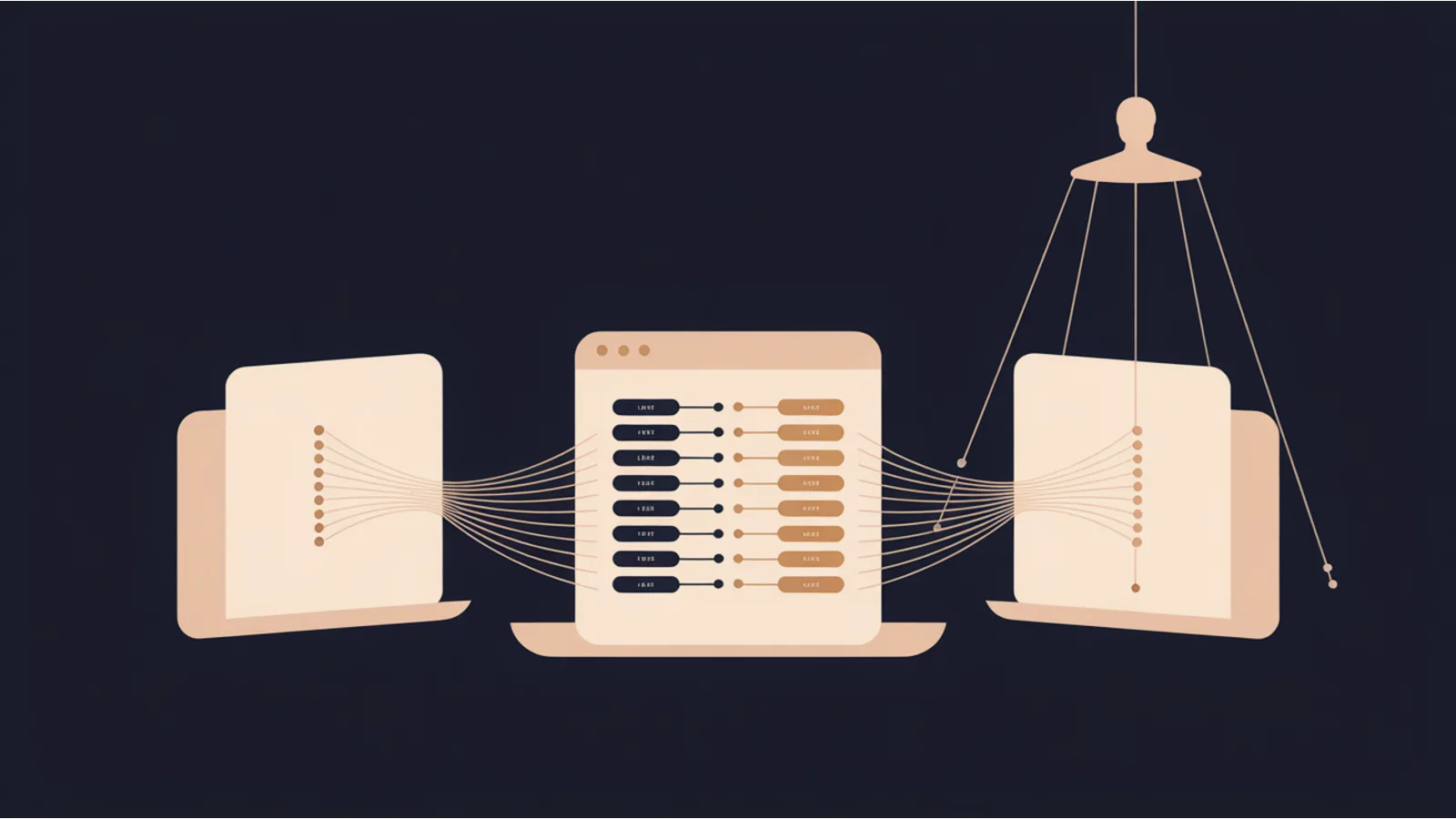
Most competitive-intel tooling costs 100 to 500 dollars a month, locks results behind a seat, and treats the page-side signals as secondary to paid-search and backlink data. Competitor Contrast is the page-side half of that work, without the seat. You drop in two or three competitor URLs, the tool fetches each through the same server-side proxy the Mega Analyzer uses, and it extracts: high-frequency visible keywords, detected frameworks, benefit-cue phrasing, pricing hints, headings, and meta descriptions. The output is two prompts. One is a Puppeteer or Selenium scrape plan you can run locally if you need screenshots, interactive features, or logged-in pages. The other is a comparison prompt pre-filled with every signal already extracted, ready to paste into Claude or ChatGPT for a structured pros and cons contrast.
What the tool actually reads
The page-side signals it pulls without any local scraping:
- Title tag, meta description, H1, first 15 H2 headings. These describe how the page positions itself to search engines and first-time visitors.
- Framework fingerprints. 24 signature patterns covering WordPress, WooCommerce, Shopify, BigCommerce, Squarespace, Wix, Webflow, Ghost, Drupal, Joomla, Magento, HubSpot CMS, Framer, Next.js, Nuxt, Gatsby, Astro, Eleventy, Hugo, Jekyll, SvelteKit, Remix, Contentful, Sanity. The meta generator tag is checked as a fallback.
- Benefit-cue phrasing. Presence of 15 common benefit phrases (save time, cut churn, 10x, no code, enterprise-grade, etc.). A B2B page that hits eight of these is different from one that hits two.
- Pricing hints. Regex-extracted dollar amounts, "starting at" phrases, "free plan" and "free trial" mentions.
- Top 20 visible keywords by frequency, stopword-filtered. The vocabulary the page actually uses, which is often different from the vocabulary the page wishes it used.
Why the scrape plan is a prompt, not a built-in scrape
Browsers can't run Puppeteer. A server-side runner can execute it with heavy setup cost, and then you've coupled your competitor intel to your hosting. The cleaner pattern is: extract what's cheap to extract from HTML directly in the browser, and emit a prompt for the heavier work so you can run it on your own machine with your own rate-limit and User-Agent settings.
The scrape prompt covers screenshots, rendered HTML, all img and a tags, framework detection, pricing extraction, social-proof markers, and an optional Lighthouse pass. It's Node + Puppeteer by default with a Selenium Python alternative written alongside. It ends with a polite-scrape default list: 2-second delay between URLs, honest User-Agent with contact email, robots.txt honor before scraping each URL.
Why the comparison prompt works as a Claude paste
The comparison prompt includes every page-side signal the tool already extracted, so Claude does not need to fetch anything itself. It covers seven comparison axes: positioning, keyword-space overlap, benefit-claim style, framework and technical stack signals, pricing transparency, pros-and-cons matrix, and a positioning-gap recommendation. Each axis is asked specifically, so the output is structured rather than hand-wavy.
The positioning-gap recommendation is the one worth reading twice. It asks the model to identify the single sharpest positioning move a new entrant could make that would be defensible against all competitors in the set, grounded only in what the signals show. Models are usually happy to speculate here, and the prompt explicitly asks them to stop if the signals don't support a claim.
The tool with some work left to it
The page-side extraction runs in about five seconds for three URLs. The scrape plan itself is a locally-run script you have to execute yourself, which takes 15 to 30 minutes depending on how much Lighthouse you want in the loop. The comparison prompt then gives you a 900-1500 word structured analysis from Claude in under a minute.
Total time from URL paste to positioning brief: around 30 to 45 minutes. Total cost: the Claude request at roughly one cent.
When to use it
Before you commit to a product positioning shift. Before a redesign. Before you brief an agency on SEO work. Before you buy SEMrush or Ahrefs for something this narrow. After a competitor's big announcement, to quickly see what they changed on the page.
Related reading
- SERP Features tool, competitive intel at the SERP level rather than the page level
- WordPress + WooCommerce Audit, deeper audit if competitors are WP or Woo
- Site Migration Capture, the adjacent tool for capturing your own site before migration
Fact-check notes and sources
- Puppeteer and Selenium documentation for polite-scrape defaults.
- CFAA, GDPR, CCPA, UK GDPR overviews for legal context around scraping publicly-served HTML.
- Framework detection patterns verified against public HTML of each named tool's own demo site.
This post is informational, not legal or competitive-intelligence advice. Mentions of third-party tools are nominative fair use. No affiliation is implied.
