
Hreflang is the trickiest technical-SEO spec to implement correctly. It's trivial to understand in the abstract ("tell Google which version of the page serves which language/region") and nightmarish in practice because it requires full reciprocity: if page A references page B, page B must reference page A, and the two must agree on the locale codes.
Miss one reciprocal pair and Google treats the hreflang annotation as unreliable and falls back to its own heuristics — which usually pick the wrong locale variant for the wrong country. Months of localization work stop working.
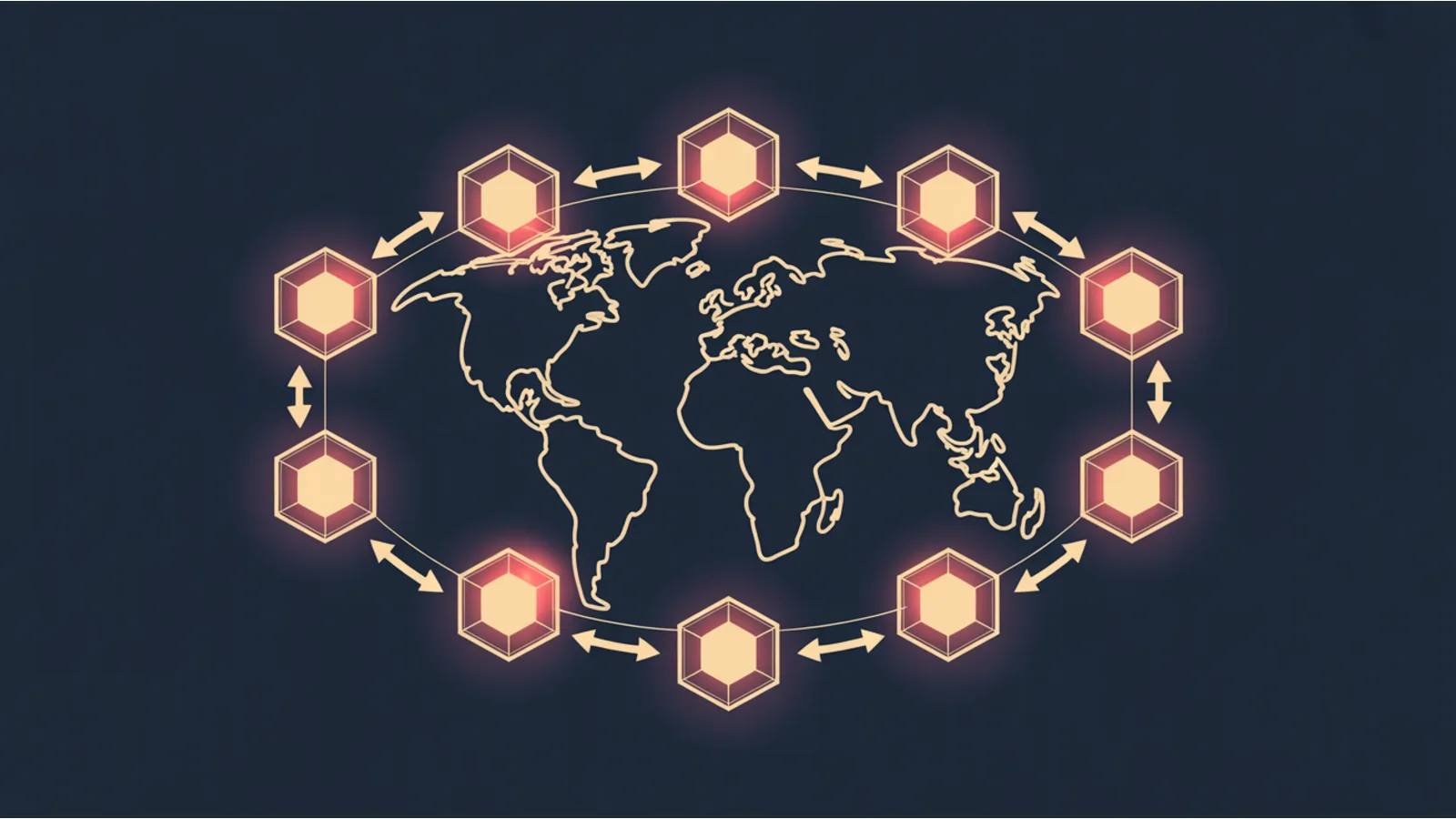
The Hreflang Cluster Graph crawls every locale variant linked from a starting URL, extracts its hreflang annotations, and renders the full cluster as an SVG graph with missing edges highlighted in red.
What it reveals
- Missing reciprocals — A → B exists but B → A doesn't. Flagged red.
- Missing self-reference — A locale must reference itself via hreflang. Most common oversight.
- Missing x-default — the fallback locale for unrecognized regions. Not required but strongly recommended.
- Locale code mismatches — A references B as
en-GBbut B references itself asen-gb(case sensitivity) oren-UK(invalid code). - Canonical conflicts — hreflang points at a URL that canonicalizes elsewhere. Google follows the canonical, so the hreflang becomes useless.
- Cross-domain clusters — hreflang across
example.com,example.co.uk,example.de. Often a deliberate multi-domain strategy but trips up reciprocity if the cross-references aren't explicit. - 404 targets — hreflang pointing at a locale variant that returns 404.
- Blocked targets — hreflang pointing at a URL with
noindex.
Each node = one locale-specific URL. Each edge = a reciprocated hreflang annotation (green) or a one-way annotation (red). Clicking a node shows the hreflang annotations as extracted.
Why a graph is the right representation
A list of hreflang pairs scales badly. Ten locale variants produce 10 × 9 = 90 required reciprocal pairs. Visually verifying 90 rows of a spreadsheet is impractical; seeing a graph with zero dangling edges is instantaneous.
Dense regional strategies (e.g., Spanish with es-ES, es-MX, es-AR, es-CL, es-CO, es-PE, es-VE) multiply fast. A 10-region Spanish footprint is 90 pair checks. Full graph coverage is 45 check-boxes a human can't reliably tick.
What the tool can't do (without your help)
- Render JS-injected hreflang — if your hreflang
<link>is emitted by a React/Next.js hydration pass rather than the server, the tool sees the server response and misses the injected annotations. Pair with Prerender / JS Hydration Parity. - Cross a login wall — hreflang on authenticated variants isn't crawlable without a session.
- Validate the linguistic quality of each variant — the tool doesn't translate. It only validates the structural agreement.
How to use it
- Go to /tools/hreflang-cluster-graph/
- Paste the URL of any locale variant (tool discovers the rest)
- Tool crawls up to 30 variants, rate-limited
- SVG renders the cluster with green (reciprocal) and red (broken) edges
- Report lists every missing reciprocal and every mismatched locale code
- Export CSV of the corrected hreflang block to paste into each variant
Typical runtime: 15-45 seconds depending on cluster size.
Related reading
- Canonical & Redirect Graph — complementary technical audit
- URL Structure Hygiene Audit
- Sitewide Crawl Sampler
Fact-check notes and sources
- Google hreflang guidance: Google Search Central — localized versions.
- Hreflang reciprocity requirement (Google): same document, "Avoid common mistakes" section.
- Locale code validity (BCP 47): IETF BCP 47.
- x-default fallback: Google Search Central — x-default.
This post is informational, not internationalization or SEO-consulting advice. Mentions of Google and similar products are nominative fair use. No affiliation is implied.
