
The Unsplash license says attribution is "appreciated but not required." Unsplash's terms of service say attribution is required for certain commercial uses. Pexels is clearer: attribution is required. Shutterstock: paid license with specific attribution rules. Getty: pay the license fee and follow the credit line exactly.
Legal risk aside, Google's image-rich-results program explicitly requires ImageObject.creditText or copyrightNotice in the page's JSON-LD for the image to qualify for the licensable-badge feature. Missing that = ineligible for the visual enhancement in SERPs.
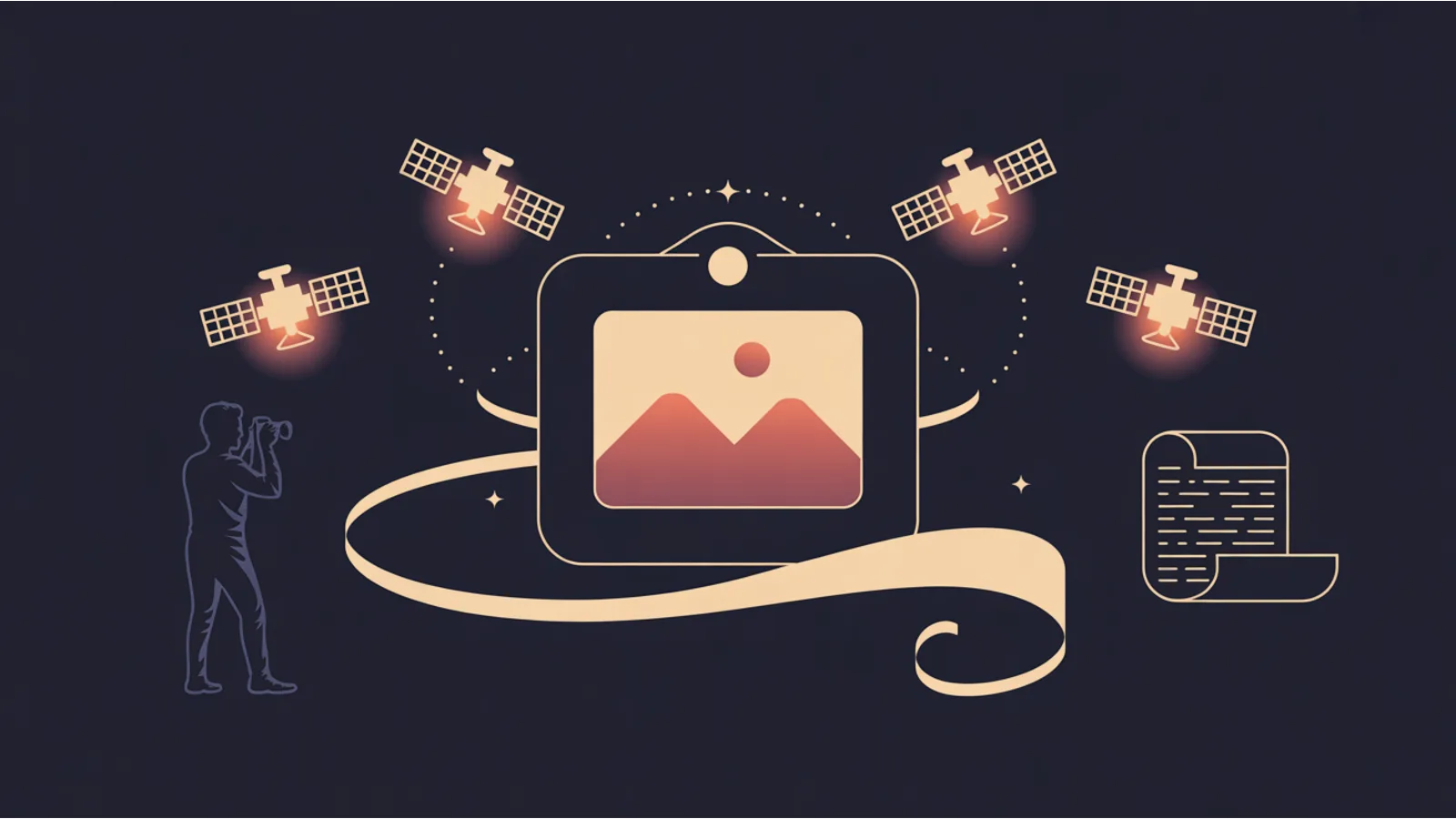
Image Licensing + Credit Audit checks every <img> on a page for figcaption credit, ImageObject JSON-LD (with the four Google-required fields), C2PA manifest, and stock-source detection.
What the audit detects
- Alt text present. Already covered by image-alt-audit, repeated here for completeness.
- Figcaption credit. A
<figcaption>within a<figure>that contains attribution. - ImageObject schema fields.
creditText,copyrightNotice,license(URL),acquireLicensePage(URL). Google rich-results docs name these four as eligibility-critical. - C2PA manifest. Cryptographic provenance chain embedded in the image binary. The modern signal; most stock sites don't carry it yet, but provenance-aware platforms do.
- Stock-source host detection.
images.unsplash.com,pexels.com,shutterstock.com,gettyimages.com,istockphoto.com,adobe.stock.com,depositphotos.com,dreamstime.com.
For any image served from a stock host without visible figcaption credit or schema creditText, the audit flags "stock source without credit" — the legal-risk flag.
The three disposition options per flagged image
- Add the figcaption. Easiest fix. Wrap the
<img>in<figure>with a<figcaption>containing "Photo by [Name] on Unsplash" (with link to photographer profile where possible). - Add ImageObject schema. Emit JSON-LD with creditText, copyrightNotice, license URL, and acquireLicensePage URL. Enables the licensable-badge rich result.
- Swap to a license-clean image. Use the site's own photography, AI-generated imagery with C2PA, or CC0-licensed sources (Pixabay, Pexels CC0 selections).
Pick whichever matches the image's value to the article. For hero images worth licensing: schema. For decorative stock: swap to CC0.
Related reading
- Image Alt Audit — WCAG 1.1.1 + CLS
- Content Credentials — C2PA manifest detection
Fact-check notes and sources
- Google image license metadata: developers.google.com/search/docs/appearance/structured-data/image-license-metadata
- Unsplash license: unsplash.com/license
- Pexels license: www.pexels.com/license/
- C2PA: c2pa.org
The $20 Dollar Agency covers image hygiene as a deliverable. The audit is how you catch client sites shipping stock without credit.
