
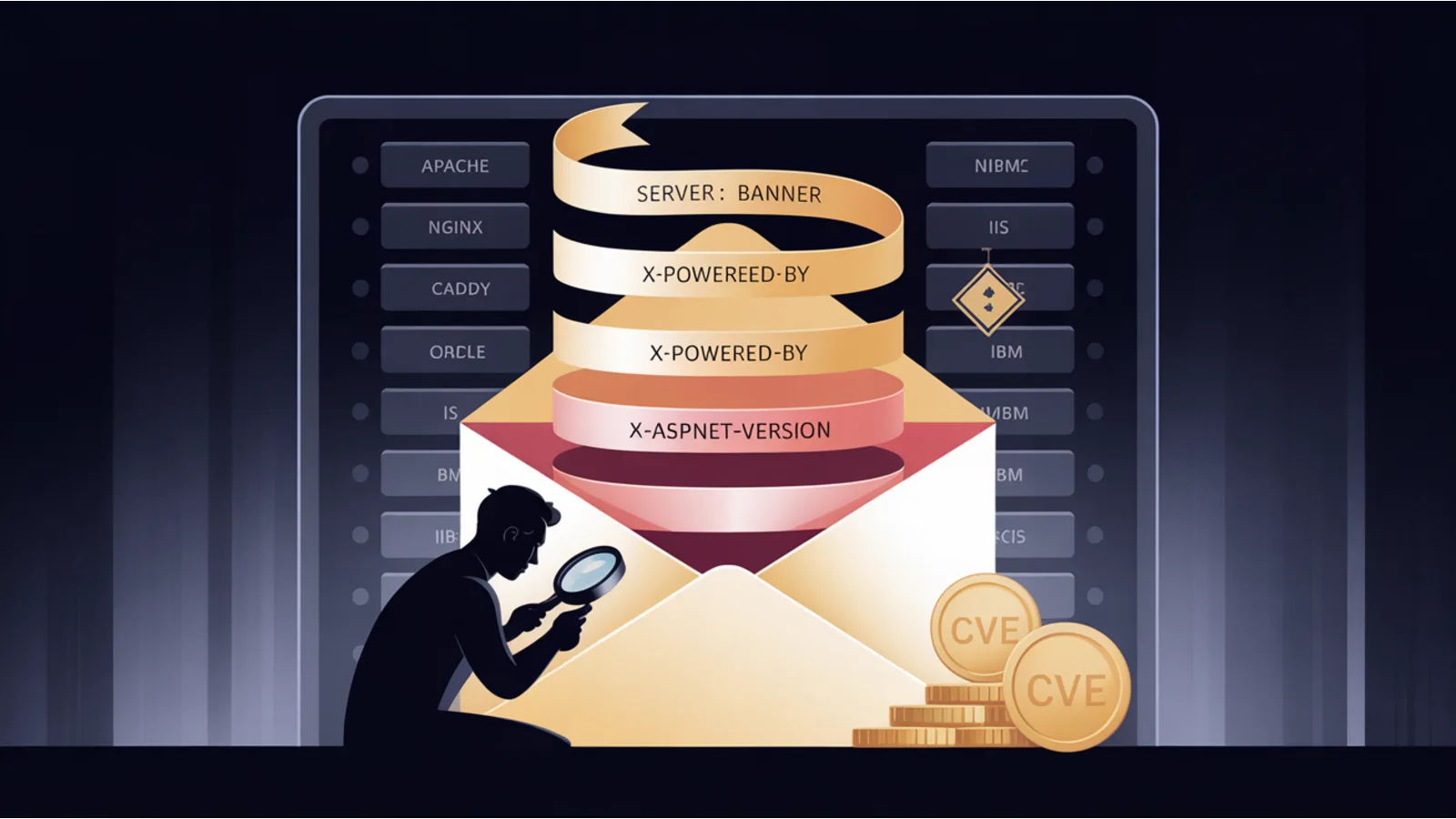
Every HTTP response your server sends includes a Server: header. Most servers ship verbose defaults: Server: Apache/2.4.52 (Ubuntu) tells an attacker the exact Apache version, the exact Linux distribution, and sometimes the exact kernel build. Pair that with an X-Powered-By: PHP/8.1.12 or X-AspNet-Version: 4.0.30319 header and you've given them a CVE-matching toolkit.
The Mega Security Analyzer now flags server software, OS, and DevOps-config leaks. This post covers what each leak looks like and how to fix it.
Apache
Default Server: output on a Red Hat / Rocky / AlmaLinux system: Apache/2.4.37 (Red Hat Enterprise Linux). On Ubuntu: Apache/2.4.52 (Ubuntu). Debian, CentOS, and others are similar.
Fix: add these two lines to httpd.conf or any included config:
ServerTokens Prod
ServerSignature Off
ServerTokens Prod shortens the header to just Apache. ServerSignature Off removes the "Apache/X.Y.Z Server at hostname Port 80" banner from error pages.
Additional defense-in-depth: mod_security or a WAF in front (Cloudflare, Imperva, AWS WAF, F5).
nginx
Default: Server: nginx/1.22.0.
Fix: in nginx.conf, inside the http block:
server_tokens off;
That reduces the header to just nginx. For full removal you need a module (ngx_headers_more) that lets you do more_clear_headers 'Server';.
Caddy
Caddy is unusual in that its defaults are mostly right. Server: Caddy is the full header; no version leak. Auto-HTTPS via ACME, HTTP/2 + HTTP/3 by default, strict TLS. The Caddyfile syntax makes it hard to accidentally weaken defaults.
If you're running Caddy, verify:
- Your
Caddyfiledoesn't override the default security-header stack. - The admin API (port 2019 by default) is not publicly reachable. Caddy binds it to localhost by default, but containerized setups sometimes expose it.
- You're on Caddy 2.6+ for the modern TLS-ALPN and HTTP/3 support.
Microsoft IIS + ASP.NET + Windows Server
IIS is the most verbose offender by default:
Server: Microsoft-IIS/10.0
X-Powered-By: ASP.NET
X-AspNet-Version: 4.0.30319
X-AspNetMvc-Version: 5.2
Four separate version disclosures. Each is removable:
<!-- web.config -->
<system.webServer>
  <security>
    <requestFiltering removeServerHeader="true" />
  </security>
  <httpProtocol>
    <customHeaders>
      <remove name="X-Powered-By" />
    </customHeaders>
  </httpProtocol>
</system.webServer>
<system.web>
  <httpRuntime enableVersionHeader="false" />
</system.web>
And in Application_Start:
MvcHandler.DisableMvcResponseHeader = true;
Windows Server version inference:
The IIS version tells you the Windows Server version:
| IIS version | Windows Server |
|---|---|
| 10.0 | 2016, 2019, 2022, or 2025 |
| 8.5 | 2012 R2 (extended support ended Oct 2023) |
| 8.0 | 2012 (end of life Oct 2023) |
| 7.5 | 2008 R2 (end of life Jan 2020) |
- Windows Server 2019: mainstream support ended January 9, 2024. Extended support runs through January 9, 2029.
- Windows Server 2022: mainstream ends October 13, 2026.
- Windows Server 2025: current, released late 2024.
If your IIS version maps to an end-of-life Windows Server, migrate. Running Server 2012 R2 in production means no security patches for the past 18+ months.
Oracle HTTP Server / WebLogic / Fusion Middleware
Oracle's server products carry high-severity quarterly patches (the Oracle Critical Patch Update cycle). Server: Oracle-Application-Server-11g or X-Oracle-DMS-ECID: headers reveal both the product and version.
Fix at the Oracle-stack layer is product-specific. At minimum, remove the Server header via mod_security2 rule or at a reverse-proxy layer. For the 2024-2025 CPU cycle specifically, several Oracle Fusion Middleware CVEs were rated 9.8 (critical); ensure your version is current.
IBM WebSphere / HTTP Server
Similar to Oracle. Server: IBM_HTTP_Server/9.0.0.0 or WebSphere Application Server/9.0 are common. Patch via IBM Fix Central. Hide via ServerTokens Prod on the IBM HTTP Server (which is Apache-based).
Node.js / Express / Fastify
Express ships X-Powered-By: Express by default. Fastify respects the same convention but prefixes with Fastify. Next.js (which runs Node) ships X-Powered-By: Next.js.
Fix for Express:
app.disable('x-powered-by');
For Next.js: poweredByHeader: false in next.config.js.
CI/CD config leaks: the worst-case exposure
File-level leaks are bad. CI/CD config leaks are worse because they usually contain references to credentials stored in your CI secret manager. The attacker doesn't need the secrets themselves — knowing which secrets exist and what they're named is half the work.
terraform.tfstate is in a league of its own. Terraform stores the entire state of your infrastructure in this file, including sensitive outputs like database passwords, IAM credentials, API keys, and TLS private keys. If terraform.tfstate ends up in your webroot, the attacker has complete visibility into your cloud infrastructure AND the credentials to modify it.
Never commit terraform.tfstate to git. Store it remotely in S3 + DynamoDB locking, Terraform Cloud, or GitLab's managed state. Add to .gitignore globally.
Other CI/CD files to keep off the webroot:
.gitlab-ci.yml— reveals your pipeline structure and references to CI variables..github/workflows/*.yml— same for GitHub Actions..travis.yml— Travis CI config..circleci/config.yml— CircleCI config.Dockerfile— reveals base image + build steps + sometimes inline secrets.docker-compose.yml— reveals service topology + often environment-variable references.
The one-line defense
Server rule that denies common config-file extensions across Apache, nginx, Caddy, and IIS. For nginx:
location ~ /\.(git|env|svn|hg|aws|ssh) { deny all; return 404; }
location ~ \.(yml|yaml|tfstate|tfstate\.backup|sql|zip|tar\.gz|lock|dockerfile|log|bak|old|save|orig)$ { deny all; return 404; }
location ~ /(composer|package)\.json$ { deny all; return 404; }
For Apache .htaccess:
<FilesMatch "^(\.git|\.env|\.svn|\.hg|composer\.json|composer\.lock|package\.json|yarn\.lock|package-lock\.json|Dockerfile|docker-compose\.ya?ml|\.gitlab-ci\.yml|terraform\.tfstate|terraform\.tfstate\.backup|\.travis\.yml|\.DS_Store|phpinfo\.php|backup\.zip|backup\.sql|db\.sql|web\.config|appsettings\.json|error_log)$">
  Require all denied
</FilesMatch>
<DirectoryMatch "^\./\.git|^\./\.github|^\./\.circleci">
  Require all denied
</DirectoryMatch>
For Caddy (Caddyfile):
@denylist {
  path_regexp (^/\.git|^/\.env|^/\.github|^/\.gitlab-ci\.yml|^/terraform\.tfstate|^/Dockerfile|^/docker-compose\.ya?ml|^/phpinfo\.php|^/backup\.(zip|sql)|^/web\.config|^/appsettings\.json|^/\.DS_Store)
}
respond @denylist 404
Test your site
Run the Mega Security Analyzer against your production URL. The 21 exposure probes + server-software fingerprint run in parallel via our serverless probe endpoints and report in under 5 seconds. Any fail row is a production bug.
Related reading
- Universal File Exposure — the nine files that shouldn't be public on any platform
- SSG Deployment Hardening — Eleventy / Hugo / Astro / Gatsby / Next / Jekyll / SvelteKit / Nuxt deploy gotchas
- WordPress Hardening Exposures — WP-specific public-URL leaks
- Modern Security Headers — HTTP-layer hardening that pairs with server-layer hardening
Fact-check notes and sources
- Apache HTTP Server documentation on
ServerTokens+ServerSignaturedirectives. - nginx documentation on
server_tokens. - Caddy default security-header stack per Caddyfile reference.
- Microsoft docs on
removeServerHeader+enableVersionHeader. - Microsoft Windows Server lifecycle policy (Server 2012 R2 EOL October 10, 2023; Server 2019 mainstream EOL January 2024; Server 2022 + 2025 current).
- Oracle Critical Patch Update advisories (quarterly cycle).
- HashiCorp Terraform documentation on remote state backends.
This post is informational, not security-consulting or systems-administration advice. Server-level hardening changes can break functioning sites; always test in staging. Only scan systems you own or have explicit written authorization to test. Mentions of Apache, nginx, Caddy, Microsoft IIS, Windows Server, Red Hat Enterprise Linux, CentOS, Oracle, IBM WebSphere, Express, Fastify, Next.js, HashiCorp Terraform, GitLab, GitHub, Travis CI, CircleCI, Docker are nominative fair use. No affiliation is implied.
