
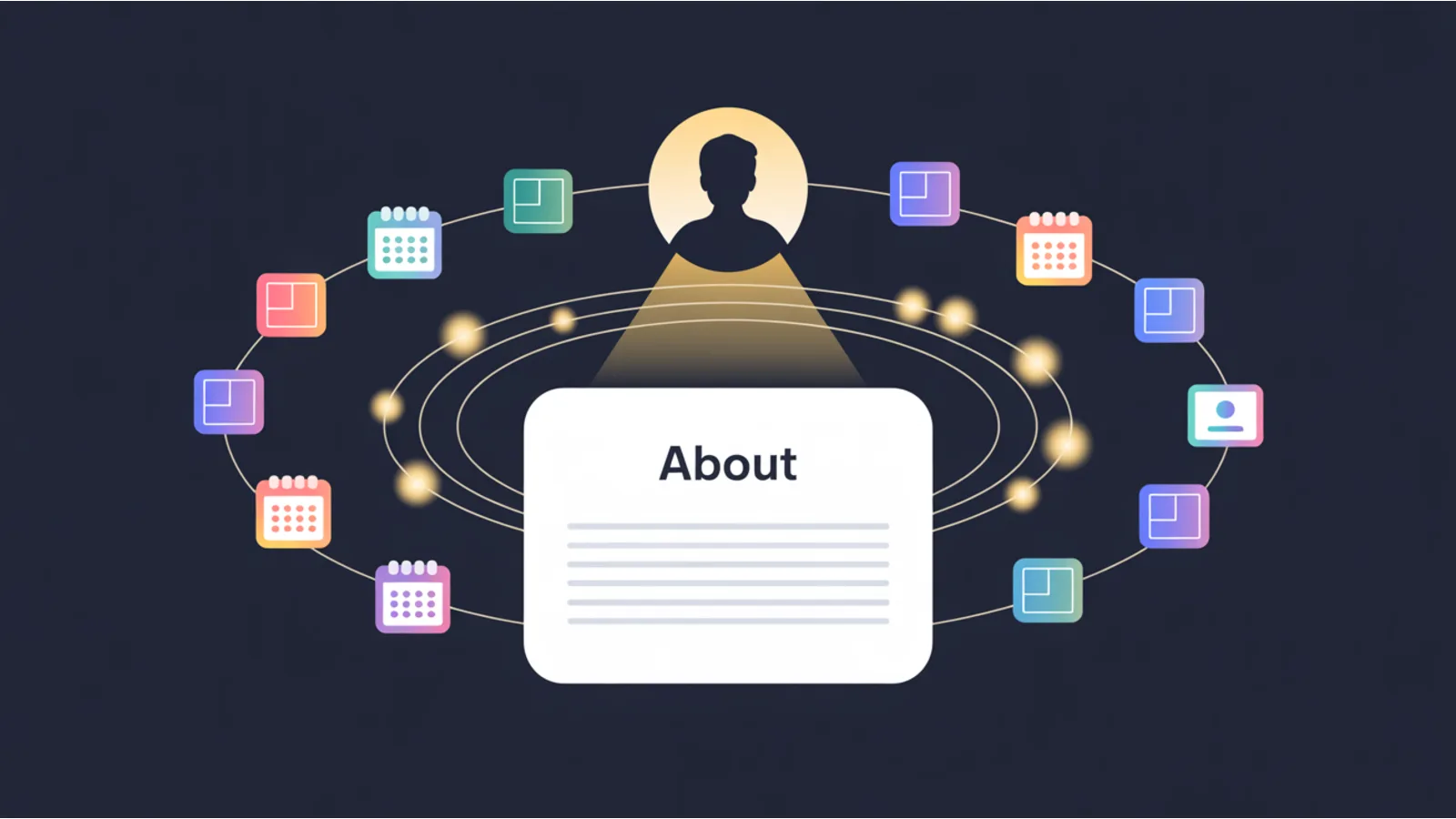
TL;DR. Most About pages are a paragraph of origin-story fluff and a stock photo. That's a waste of the second-highest-intent page on your site. The audit checks 14 signals that separate an About page that converts from one that bounces.
The About-Page Conversion Audit scores the signals visitors actually look for when they're deciding whether to trust you: founder photo, quantified experience, credentials, press logos, Person-schema sameAs links, visible email and phone, a calendar-booking CTA, and more. It reuses the same chrome as every other jwatte.com tool. Deep-links from the mega analyzers, AI-prompt export, CSV/PDF/HTML download.
Scans an About page for the 14 signals that convert a visitor into a buyer: founder photo, year founded, quantified experience, press logos, credentials, author Person-schema sameAs links, email+phone visibility, calendar-booking CTA, team-page link, and more.
Why this dimension matters
HubSpot's 2023 blog benchmarks found the About page is the second-most-visited page on business websites, after the homepage. Visitors who click "About" aren't browsing. They're vetting you. They've already seen what you sell. Now they want to know if you're real, if you've been around, and if other people vouch for you.
The problem is that most SMB About pages answer none of those questions. They have a three-sentence paragraph about passion and a mission statement nobody reads. No photo. No credentials. No way to contact you without hunting through the nav. That's not a brand page. It's a dead end.
Common failure patterns
- No founder photo. People buy from people. A site with a face converts measurably better than one without. The Basecamp team page study and Nielsen Norman Group eye-tracking research both confirm that real photos (not stock) hold attention and increase trust. If your About page has no human face, you're asking visitors to trust a logo.
- No quantified experience. "We've been in business for years" is filler. "Founded in 2011, 1,400+ clients served, 98% retention rate" is evidence. The audit looks for at least one number tied to time, volume, or outcome.
- No visible contact path. If a visitor has to click three times to find an email address, most won't bother. The audit checks for email, phone, and a direct booking/calendar link on the About page itself.
- Missing Person schema. Google's E-E-A-T signals lean heavily on author identity. If your About page doesn't carry a
Personschema withsameAslinks to your LinkedIn, Twitter, or other profiles, you're leaving structured authority data on the table.
How to fix it at the source
Start with the photo. A real headshot, not a cropped vacation picture, not a logo placeholder. Then add one quantified proof point. Year founded, number of clients, or a specific outcome metric. Put a direct email link and a calendar-booking CTA above the fold. Add Person structured data with at least two sameAs URLs pointing to your active social profiles.
The audit's AI fix prompt will generate the exact schema markup for your specific page. Paste it into Claude, ChatGPT, or Gemini and you'll get copy-paste JSON-LD.
Thresholds that matter
| Signal | Target |
|---|---|
| Founder / team photo | At least one real (non-stock) human photo visible on the page. |
| Quantified experience | At least one specific number: year founded, client count, retention %. |
| Credentials / certifications | Named credential or certification relevant to the business vertical. |
| Press logos or mentions | At least one named media outlet or "as seen in" reference. |
| Contact visibility | Email + phone visible on the page, not buried behind a nav link. |
| Calendar / booking CTA | Direct scheduling link (Calendly, Cal.com, Acuity, etc.) on the page. |
| Person schema with sameAs | Valid JSON-LD Person type with 2+ sameAs profile URLs. |
Example fix
Person schema with sameAs links for an About page:
{
  "@context": "https://schema.org",
  "@type": "Person",
  "name": "Jane Doe",
  "jobTitle": "Founder & CEO",
  "url": "https://yoursite.com/about/",
  "image": "https://yoursite.com/images/jane-headshot.webp",
  "sameAs": [
    "https://www.linkedin.com/in/janedoe/",
    "https://twitter.com/janedoe"
  ],
  "worksFor": {
    "@type": "Organization",
    "name": "Your Company",
    "url": "https://yoursite.com/"
  }
}
When to run the audit
- After building or redesigning your About page. The checks take seconds and catch the gaps you'll miss in a content review.
- Before a sales season or product launch. If new traffic is coming, the About page will get more eyeballs than usual.
- When your site passes technical SEO audits but conversion is still flat. The About page is often the trust bottleneck nobody checks.
- After adding new team members, credentials, or press mentions. Confirm the structured data reflects the update.
Reading the output
Every finding is severity-classified. The playbook is the same across tools:
- Critical / red — same-week fixes. These block the primary signal and cascade into downstream dimensions.
- Warning / amber — same-month fixes. Drag the score, usually don't block.
- Info / blue — context only. Often what a PR reviewer would flag but that doesn't block merge.
- Pass / green — confirmation. Keep the control in place.
Every audit also emits an "AI fix prompt" you can paste into ChatGPT / Claude / Gemini for exact copy-paste code patches tied to your specific stack.
Related tools in this family
- Trust Signal Surface Audit — broader trust-signal sweep across the entire site, not just the About page.
- E-E-A-T Analyzer — scores Experience, Expertise, Authoritativeness, and Trustworthiness signals site-wide.
- Schema Completeness Audit — checks all structured data types on a page, including Person and Organization.
- Form Conversion Audit — if your About page has a contact form, this catches the fields killing completion rate.
- Scroll-Depth CTA Visibility Map — verifies your booking CTA is visible without excessive scrolling.
Fact-check notes and sources
- HubSpot: The Ultimate List of Marketing Statistics for 2024 — About page traffic ranking
- Nielsen Norman Group: Photos as Web Content — eye-tracking on real vs. stock photos
- Google Search Central: Structured data guidelines — Person schema and sameAs
- Schema.org: Person type — sameAs property documentation
This post is informational and not a substitute for professional consulting. Mentions of third-party platforms in the tool itself are nominative fair use. No affiliation is implied.
