
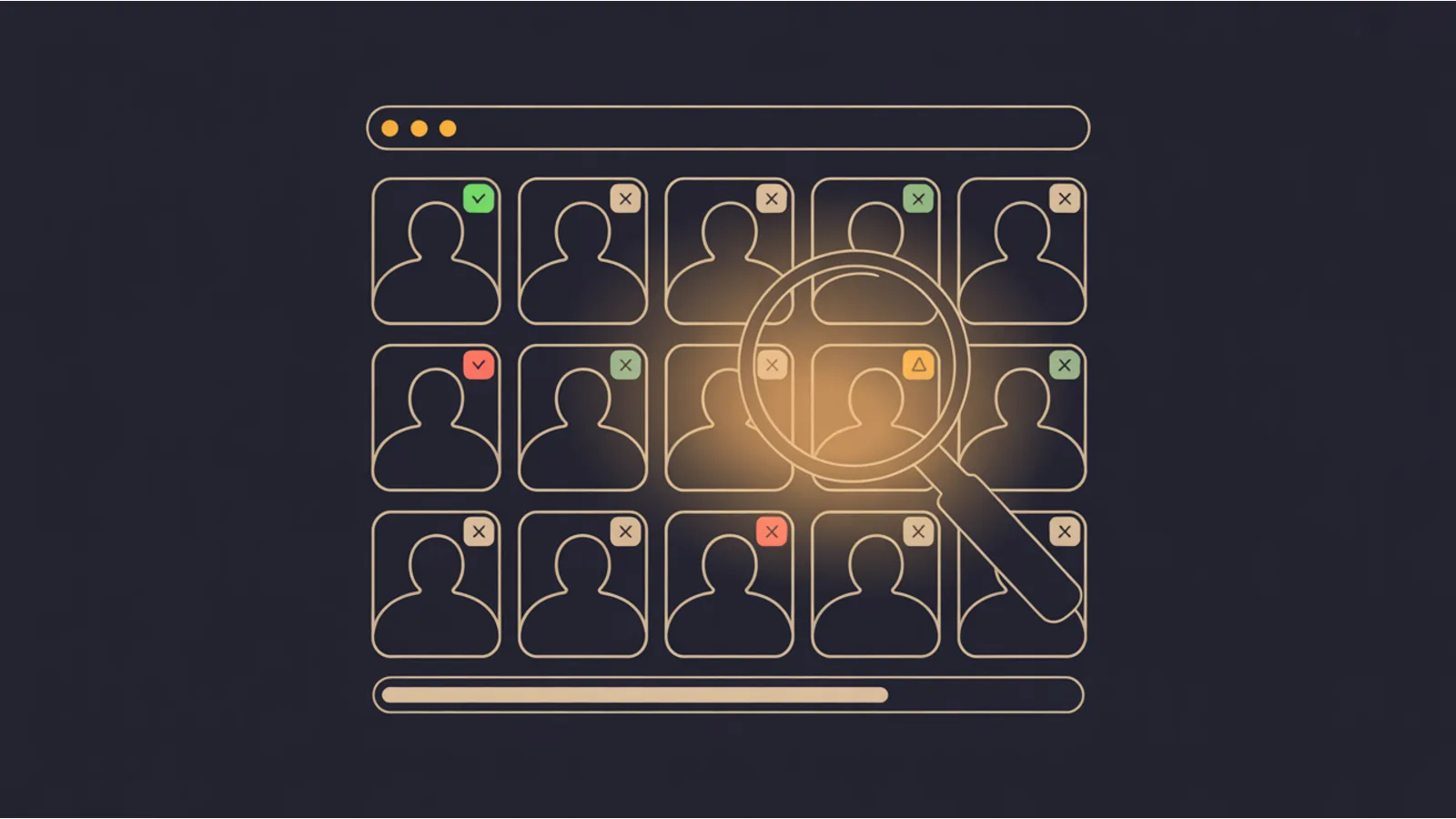
TL;DR. US ADA Title III web-accessibility filings crossed 4,600 in 2024 and the target profile shifted to SMBs under $25M. WCAG AA conformance is legal exposure insurance plus free SEO.
The Image Alt Audit is the audit you reach for when you already suspect a problem in this dimension and need a fast, copy-paste-able fix list. It reuses the same chrome as every other jwatte.com tool — deep-links from the mega analyzers, AI-prompt export, CSV/PDF/HTML download — but the checks it runs are narrow and specific to the dimension described above.
Fetches a URL, extracts every
and
source, grades each: alt present / missing / empty, filename-as-alt flagged, length in 5-125 char band, duplicate alts, missing width/height (CLS risk). WCAG 1.1.1 + Core Web Vitals CLS in one pass.
Why this dimension matters
US ADA Title III web-accessibility case filings hit 4,600+ in 2024 (UsableNet annual report), and settlements in the $10–75K range have become a routine line item for any site that handles online commerce or public accommodation. Beyond legal exposure, WCAG AA conformance correlates with measurable SEO: screen-reader-friendly structure is also LLM-friendly structure, and accessible sites rank better on Google since 2020 page experience updates.
Common failure patterns
- Missing or decorative-when-content alt text — WCAG 1.1.1 Level A. Screen readers skip empty
alt=""(correct for decoration) but announce the filename for missingalt. Product images, hero images, and infographics all need descriptive alt; purely decorative images needalt="". - Contrast failures on brand colors — 4.5:1 for normal text, 3:1 for large text and UI controls. Brand guidelines often favor a 3:1-style color pair that fails WCAG AA; the fix is typically a darker variant of the accent color used only on text.
- Keyboard-trap or non-focusable custom components — any
<div onClick>withouttabindex="0"+role="button"+ keyboard handler is a Level A violation. Modern component libraries ship accessible equivalents; custom carousels, modals, and drop-downs are the repeat offenders. - Form inputs without associated labels —
<label for="id">or wrapping<label>is required. Placeholder text does not count. WCAG 1.3.1 + 3.3.2.
How to fix it at the source
Adopt an accessibility-first component library (or the WAI-ARIA Authoring Practices Guide patterns). Run axe-core or Lighthouse a11y in CI — any critical-severity regression fails the build. For legacy sites, prioritize the critical-severity items first; the fix-time per item is usually < 15 minutes and the legal exposure drops meaningfully after the top 20 fixes.
Thresholds that matter
| Signal | Target |
|---|---|
| Contrast — normal text | 4.5:1 minimum (AA). 7:1 for AAA. |
| Contrast — large text ≥ 18pt or 14pt bold | 3:1 minimum (AA). 4.5:1 for AAA. |
| UI-component contrast (non-text) | 3:1 minimum against adjacent colors. |
| Target size | 24×24 CSS pixels minimum (WCAG 2.2 Level AA, criterion 2.5.8). |
| Alt text length | ≤ 125 chars is the screen-reader-friendly default; over 250 starts to fatigue. |
Example fix
Custom button → accessible button (minimal fix):
<!-- Inaccessible: not focusable, no keyboard handler, no accessible name -->
<div class="btn" onclick="save()">Save</div>

<!-- Accessible: native <button>, keyboard + screen-reader friendly -->
<button type="button" class="btn" onclick="save()">Save</button>

<!-- Or if you can't replace the element, minimum viable fix: -->
<div class="btn" role="button" tabindex="0"
     onclick="save()"
     onkeydown="if(event.key==='Enter'||event.key===' ')save()">Save</div>
When to run the audit
- After a major site change — redesign, CMS migration, DNS change, hosting platform swap.
- Quarterly as part of routine technical hygiene; the checks are cheap to run repeatedly.
- Before an investor / client review, a PCI scan, a SOC 2 audit, or an accessibility-compliance review.
- When a downstream metric drops (rankings, conversion, AI citations) and you need to rule out this dimension as the cause.
Reading the output
Every finding is severity-classified. The playbook is the same across tools:
- Critical / red — same-week fixes. These block the primary signal and cascade into downstream dimensions.
- Warning / amber — same-month fixes. Drag the score, usually don't block.
- Info / blue — context only. Often what a PR reviewer would flag but that doesn't block merge.
- Pass / green — confirmation. Keep the control in place.
Every audit also emits an "AI fix prompt" — paste into ChatGPT / Claude / Gemini for exact copy-paste code patches tied to your specific stack.
Related tools in this family
- WCAG A11y Audit — flagship a11y audit — run this when you need the full WCAG 2.1/2.2 pass-fail list.
- ADA Litigation Risk Score — scores your site against the 12 signals plaintiff firms target first in demand letters.
- Mega Analyzer — kitchen-sink audit that surfaces a11y alongside SEO/schema/perf.
- Identical Link Text Audit — flags duplicate anchor text — sibling a11y audit.
- Redundant Alt Text Audit — detects alt text that duplicates visible captions — WCAG 1.1.1 nuance.
Fact-check notes and sources
- W3C: WCAG 2.1 Quick Reference
- W3C: WCAG 2.2 additions — target size, focus appearance, accessible auth
- Deque: axe-core rules reference
- WebAIM: Million survey — top-1M home-page a11y benchmarks, published annually
- UsableNet: Annual ADA Digital Accessibility Lawsuit Report
This post is informational and not a substitute for professional consulting. Mentions of third-party platforms in the tool itself are nominative fair use. No affiliation is implied.
