
You paste your JSON-LD into the Schema.org validator. Green checkmark. You run it through Google's Rich Results Test. No errors. You deploy the page. Months later, you still don't have the rich result you expected. What happened?
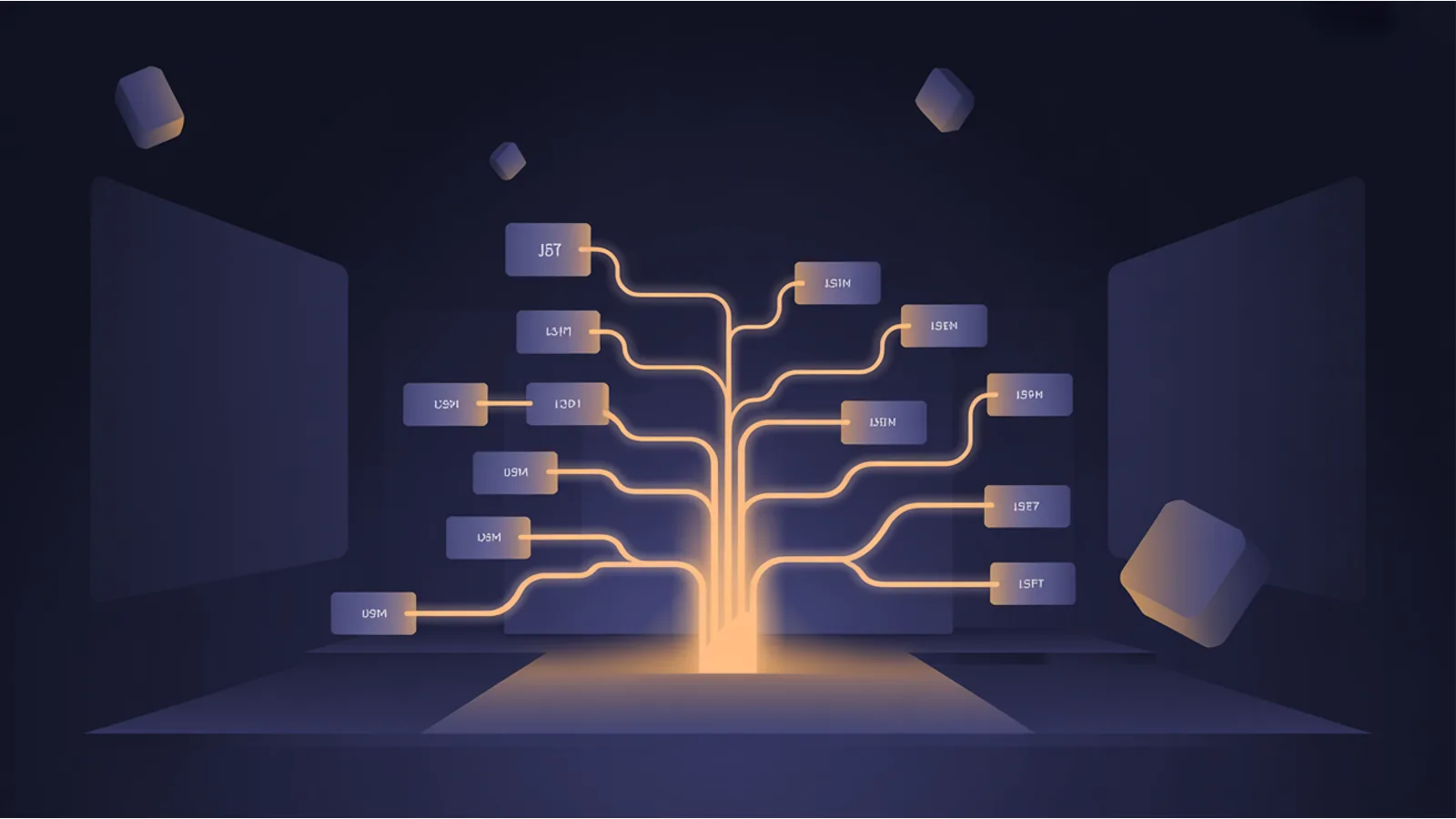
The validators check syntax. They confirm that your JSON is valid, that your @type values exist in the Schema.org vocabulary, and that required properties have values. What they don't check well is whether the graph structure makes sense. JSON-LD is a graph format, not a flat key-value format. Every @id is a node, and every reference to an @id is an edge. If the graph has broken edges or disconnected nodes, the markup is syntactically correct but semantically useless.
How @id references work (and break)
In JSON-LD, @id assigns a unique identifier to a node. Other nodes can reference it by that same identifier. This is how you say "the author of this article is this person" without duplicating the person's entire schema block.
{
  "@type": "Article",
  "author": {"@id": "#author-jane"}
}
Somewhere else in the graph, you define:
{
  "@id": "#author-jane",
  "@type": "Person",
  "name": "Jane Smith"
}
The problem arises when the reference exists but the definition doesn't. Maybe #author-jane was renamed to #jane-smith in the author block but not updated in the article. Maybe the person node was removed during a template refactor. Now the article's author points to nothing. The JSON is valid. The reference is dangling.
Google's documentation says it follows @id references to resolve entity relationships. A dangling reference means Google can't resolve the author, the publisher, the organization, or whatever entity the reference was supposed to connect. The rich result depends on that connection existing.
The nesting depth problem
JSON-LD supports two nesting strategies: inline nesting (embedding objects directly) and @graph with @id references (defining all objects at the top level and linking them). Both work. Mixing them inconsistently is where problems start.
A common pattern gone wrong:
{
  "@type": "Product",
  "offers": {
    "@type": "Offer",
    "seller": {"@id": "#org"}
  },
  "brand": {
    "@type": "Organization",
    "@id": "#org",
    "name": "ACME"
  }
}
Here, seller references #org, and brand defines #org. This works but creates a subtle trap. If someone later moves the Organization to a separate @graph entry and forgets to keep the @id consistent, or if the Organization gets duplicated with different @id values, the graph splits into disconnected components.
The JSON-LD Graph Linter treats JSON-LD as a graph, not a blob. It walks every @id reference, finds dangling pointers, identifies orphan nodes that define an @id nobody references, and flags disconnected subgraphs. When you can see the graph structure, broken nesting becomes obvious.
Why validators miss this
The Schema.org validator checks vocabulary. Google's Rich Results Test checks eligibility for specific rich result types. Neither validates the graph topology. A page can have two perfectly valid JSON-LD blocks that reference each other's @id values with a typo, and both validators will pass it.
This is because the validators were designed for simpler markup. When JSON-LD was first adopted for SEO, most implementations were single blocks with inline nesting. You didn't need graph analysis because there was no graph. Now that best practices recommend @graph arrays with linked entities, the tooling hasn't caught up.
Common patterns that break
Multiple JSON-LD blocks on one page. Each <script type="application/ld+json"> block is parsed independently unless they share a @graph context. If block one defines an Organization with @id: "#org" and block two references {"@id": "#org"}, whether this works depends on the consumer. Google typically merges blocks from the same page, but other consumers may not.
CMS-generated vs. manually added markup. Your CMS plugin generates a WebSite and Organization schema. You manually add a Product schema that references the Organization by @id. When the CMS plugin updates and changes the Organization's @id format, your Product reference breaks silently.
Template inheritance. Base templates emit site-wide schema (WebSite, Organization). Page templates add page-specific schema (Article, Product, Event). If the base template changes and the page template still references old @id values, the graph has dangling edges on every page that inherits the updated base.
The Schema Graph Visualizer renders your JSON-LD as an interactive SVG graph so you can see the connections, disconnections, and orphans visually rather than reading nested JSON. The Schema Completeness tool generates full graphs with correct @id wiring for any page type, giving you a known-good starting point.
If you're building a site from scratch and want to get schema right from the start, I covered the structured data planning process in The $97 Launch. Getting the graph structure right at the template level means every page inherits correct markup instead of accumulating drift.
Related reading
- JSON-LD Graph Linter walks every @id reference and flags dangling pointers and orphan nodes
- Schema Graph Visualizer renders JSON-LD as interactive SVG for visual debugging
- Schema Validator checks JSON-LD against Google's required fields
- Schema Fix Bundle generates complete JSON-LD templates for 16 page types
- Blog: HowTo Schema covers the nesting rules specific to HowTo structured data
Fact-check notes and sources
- JSON-LD is a W3C Recommendation for serializing Linked Data in JSON format. Source: W3C JSON-LD 1.1 specification, July 2020.
- Google merges multiple JSON-LD blocks from the same page when processing structured data. Source: Google Search Central documentation, "Structured data general guidelines."
- The
@idkeyword in JSON-LD identifies a node with an IRI (Internationalized Resource Identifier). Source: W3C JSON-LD 1.1, Section 3.3. - Schema.org recommends using
@graphfor pages with multiple entity types. Source: Schema.org FAQ, "How should I mark up multiple things on a page?"
This post is informational, not SEO consulting advice. Structured data eligibility for rich results is determined by Google at its discretion.
