
Part of the AEO / GEO / AI-search audit tool stack. See the pillar post for the full catalog of sibling audits and where this one fits in the lineup.
If your page has a Person schema nested inside an Article schema, pointing at a Review with its own itemReviewed link, that's a four-node graph. You can't see it in raw JSON unless you've mapped graphs in your head for a living. Most people can't.
The Schema Graph Visualizer draws it.
What the tool does
- Fetches the URL
- Parses every
<script type="application/ld+json">block - Recursively walks each object, assigns
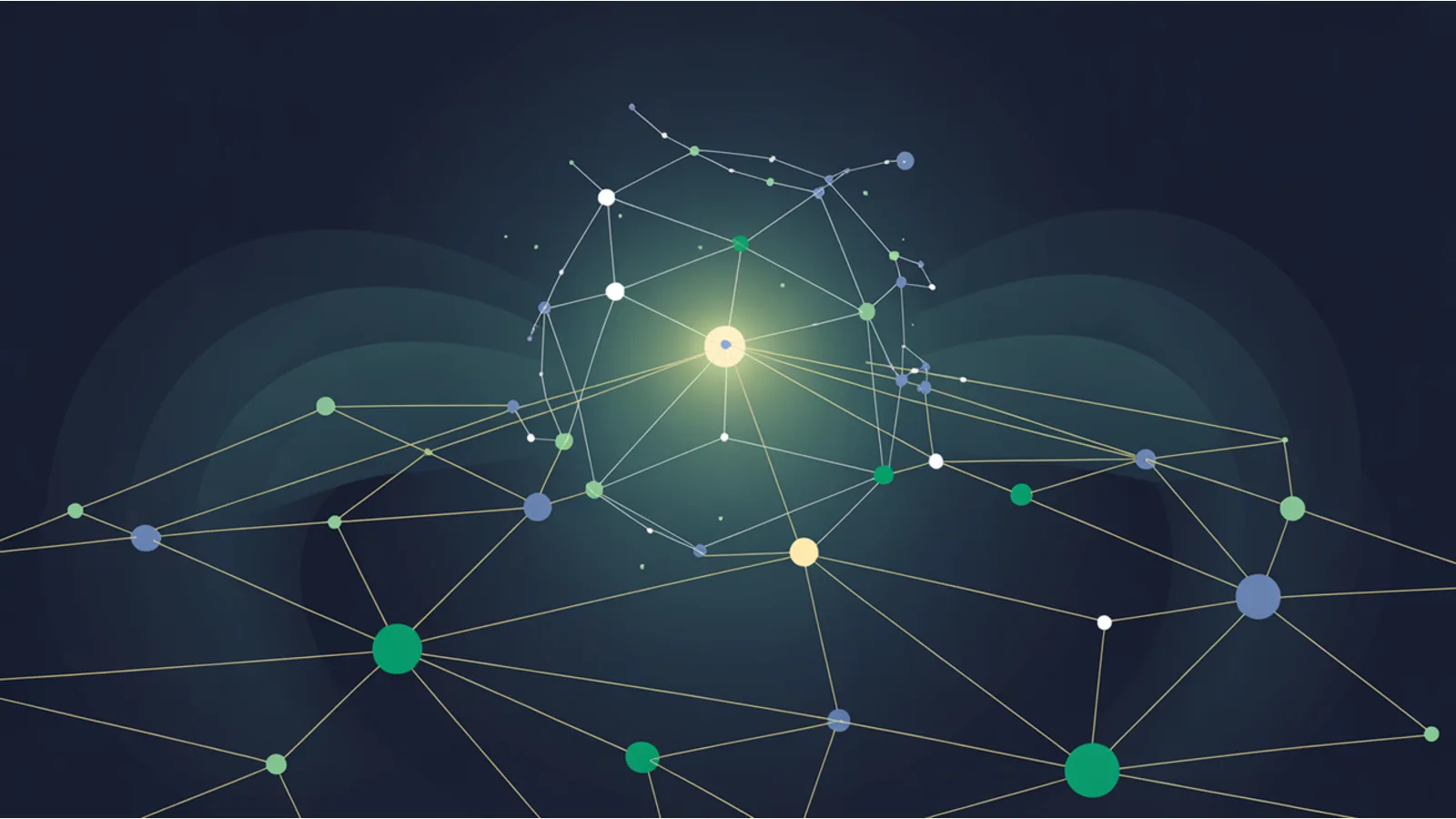
@idto anonymous nodes, tracks edges (which property of which node points to which other node) - Renders the flattened graph as SVG — concentric rings, top-tier types at center (Organization, WebSite), deeper types in outer rings
- Color-codes nodes by
@type— Organization green, Article amber, Person purple, Product pink, FAQ teal, etc. - Labels each edge with the property name ("author", "publisher", "mainEntityOfPage", "reviewedProduct")
- Reports: disconnected nodes (orphans in the graph), blocks missing
@context, weak connectivity (too many anonymous nodes)
Why the graph view catches issues text doesn't
Three common schema problems that are invisible in raw JSON but obvious in the graph:
1. Orphan nodes. You emitted a Person block with name + jobTitle + sameAs, but nothing on the page references the Person via @id. The Person floats alone. Google doesn't connect it to your Article authorship. Graph view: Person is a red disconnected circle. Text view: looks fine.
2. @context scatter. Some blocks declare @context: "https://schema.org", others are inside a @graph that declares context once, others don't declare at all. The last category is technically broken — Google may not parse types correctly. Graph view: flags block-level missing context. Text view: you'd have to check each block individually.
3. Weak connectivity. If half your nodes are anonymous (no @id), the graph has no way to reference them from other blocks. They exist but can't be linked. Graph view: shows the anonymous node count and recommends adding @id everywhere. Text view: looks normal.
How it flattens
The flattener walks each block recursively:
- Object with
@id→ use it as the node ID - Object without
@id→ generate a stable anonymous ID (_anon:N:type) - Array inside an object → visit each item with the array key as edge label
- Scalar value → skip (it's data on the parent node, not a child)
Edges capture the parent→child path, with the key name as the edge label. This produces a clean DAG in 99% of real-world JSON-LD.
How the SVG layout works
I don't use a full force-directed graph library (would add 60-100 KB). Instead, a ring-based layout:
- Center ring (0-1 nodes): Top-tier types — Organization, WebSite
- Inner ring (3-4 nodes): Page-level types — WebPage, Article
- Middle ring (8-10 nodes): Content types — BreadcrumbList, FAQPage, Product, Person
- Outer ring (everything else): Leaf content — ListItem, Question, Answer, Offer
This gives a clean, readable layout even for dense schema pages. Hover a circle, the browser's native <title> tooltip shows the full @id and @type.
How to use it
- Go to /tools/schema-graph-visualizer/
- Paste your URL
- Click Run
- Inspect the graph. Hover any circle for node details. Scroll for the type distribution table + raw parsed blocks.
Typical runtime: ~2-4 seconds per page.
What it pairs with
- Schema JSON-LD Graph Linter — the non-visual linter. Reports the same issues as text, for scripting / CI.
- Rich Results Eligibility Audit — per-type Google eligibility check.
- Schema Validator — fires schema through schema.org spec validation.
- LLM Answer Citation Tracker — paired release, checks if AI engines cite you.
The limits
- Static HTML only. If your JSON-LD is injected post-hydration (React / Vue / Svelte with no SSR), the tool can't see it. Use the Prerender vs Hydration Parity audit to fix that separately.
- No spec validation. The tool shows structure, not whether each
@typehas the right required fields. For that, use the Rich Results Eligibility Audit. - No external-link resolution. If your schema references an external
@id(say, a Wikidata Q-number), the tool shows the reference but doesn't follow it.
Related reading
- LLM Answer Citation Tracker — paired tool
- Scheduled Monitor — longer-term context
- Mega SEO Analyzer v2
Fact-check notes and sources
- JSON-LD spec: W3C JSON-LD 1.1.
- schema.org type hierarchy: schema.org vocabulary.
- Google rich results requirements: Search Central structured-data guide.
- Schema App reference pricing: Schema App pricing as of 2026-04.
This post is informational, not SEO-consulting advice. Mentions of Schema App, Yoast, Google, schema.org, and similar products are nominative fair use. No affiliation is implied.
