
Closing post of the Codex mini-series and companion to the Claude Code workflow series. If you're still deciding whether to install both, the comparison post covers task-level trade-offs. This post assumes you've decided to run both and want the routine that keeps them useful rather than noisy.
Most multi-CLI setups fail the same way: you install both, use the one you know for three months, and never touch the other. The other one becomes clutter in your PATH.
That's a waste of your install effort, and it ignores a real productivity win. Each CLI has a sweet spot. The workflow below is the one I've settled into after running both daily for months — the split that maximizes the value of each without creating context-switching overhead.
The physical setup
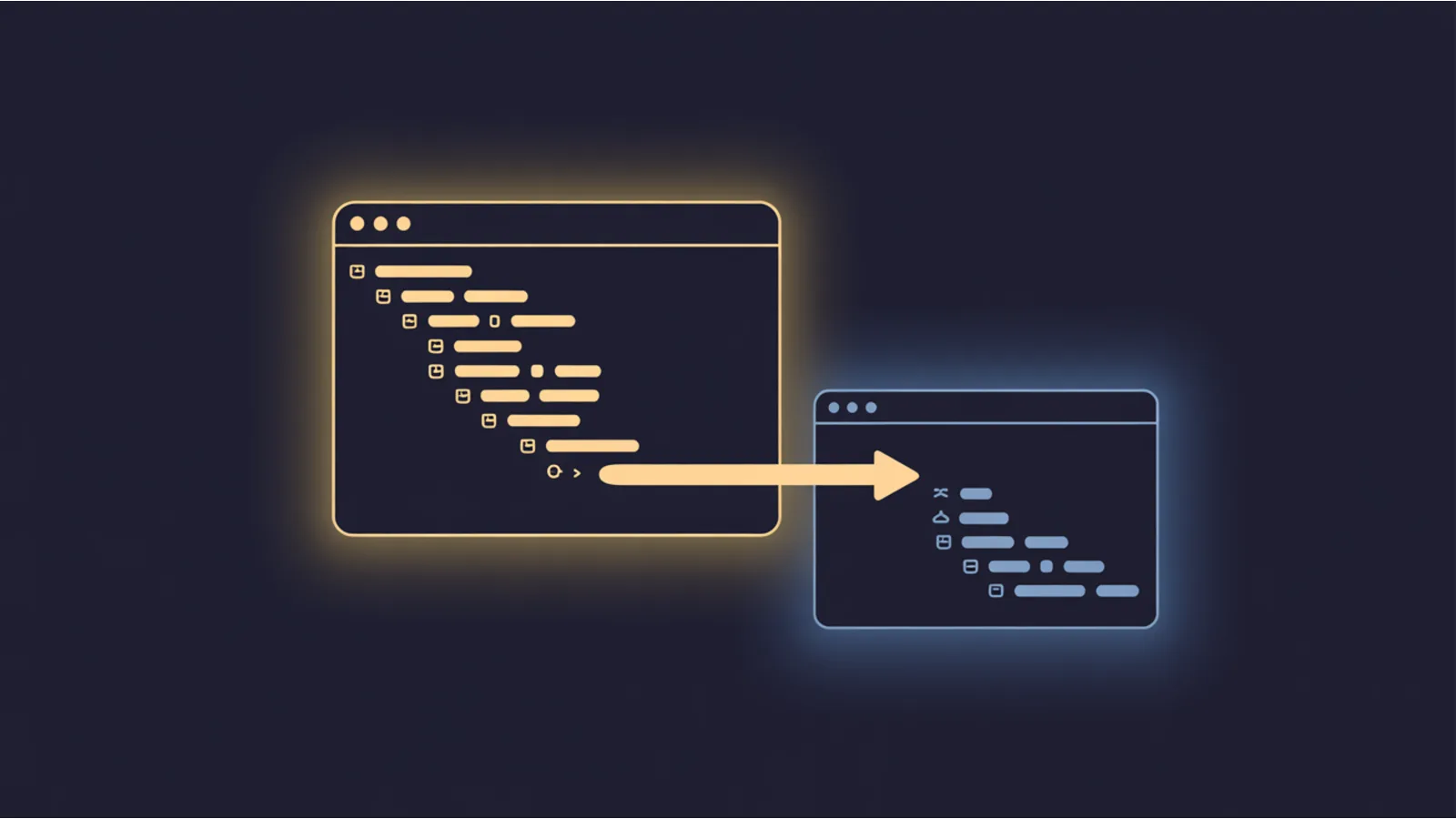
Two terminals, always. I use tmux with two vertical panes, but any terminal multiplexer works. iTerm2 tabs, Windows Terminal tabs, separate VS Code integrated terminals — pick your preference. The only constraint: both need to be visible simultaneously so you can glance between them.
Left pane (two-thirds width): Claude Code. The main work surface. Long sessions, long tasks, the repo-level work you'd think of as "coding."
Right pane (one-third width): Codex. Shorter sessions. Quick questions. One-off utility generation. The "what does this regex do" / "write me a test for this function" surface.
The proportions matter. Claude Code gets more visual real estate because its output tends to be longer and you're parsing it more actively. Codex is scanning territory — you paste a prompt, read the answer, paste the result into Claude Code's session if needed.
The routine — a real workday
8:30am — open tmux, start both sessions.
Left pane: claude in the current project. Right pane: codex or your equivalent. Both idle, both ready.
8:32am — plan mode in Claude Code.
/plan <today's main task>. Read the plan. Push back if needed. Approve.
8:40am — Claude Code starts executing the plan. You're reading over its shoulder, occasionally intervening with corrections. This is your main-channel work.
9:15am — you need a quick regex for a validation task inside the main flow.
Instead of interrupting Claude Code's flow with "now also write me a regex that matches RFC 5322 emails," you flip to the right pane. Type into Codex: Write a regex that matches RFC 5322 compliant email addresses. Show a few examples of what it accepts and rejects. Thirty seconds later, you have the regex. Copy. Flip back to the left pane. Paste into the file Claude Code is editing. Return to Claude Code's main thread uninterrupted.
Net effect: you got the regex without polluting Claude Code's session context with an unrelated sub-task. Claude Code's prompt cache stays coherent; your main task doesn't lose its place.
10:20am — Claude Code hits a real bug it's struggling to diagnose.
Instead of letting Claude Code burn another 15 minutes of exploration, you ask Codex for a second opinion. Right pane: paste the relevant function + the failing test. Walk me through why this is failing. Use o-series reasoning if available.
Codex's o-series takes 90 seconds, produces a careful diagnostic. You read it, match it against Claude Code's current hypothesis in the left pane, and synthesize. Sometimes Codex caught something Claude Code missed; sometimes vice versa; sometimes they both nail the same issue and you have high confidence.
11:00am — Claude Code finishes the main task.
You ask Claude Code to run the full test suite. In the meantime, right pane Codex: Generate a PR description for the following diff: [paste]. By the time the tests pass in the left pane, your PR description is ready in the right pane. Paste into the PR. Ship.
12:30pm — lunch. Both sessions idle. Left pane set up for the afternoon task; right pane cleared.
1:30pm — afternoon work starts. Same pattern. Left pane for the long work, right pane for the quick detours.
Rules that keep the two from colliding
Rule 1 — each CLI gets its own mental "thread." Don't task-switch between them on the same task.
If Claude Code is working on a refactor, don't jump to Codex to also work on the same refactor. Pick one tool per task; use the other for ancillary work only. Mixing them on the same task creates merge-conflict-style problems in your own head and occasionally in the code.
Rule 2 — Codex is the detour surface, not a second main channel.
The right pane handles 2-minute sub-tasks. If you find yourself spending 30+ minutes in the right pane on one task, that task belonged in Claude Code. Migrate it; close the Codex session; continue.
Rule 3 — don't copy Claude Code's full session context into Codex (or vice versa).
Their sessions are independent. Copying conversation history between them creates artificial coherence that neither model actually has. Paste specific code, specific errors, specific questions — not entire transcripts.
Rule 4 — use Codex for the prompt-style Codex rewards.
Codex gets better results from structured, example-led, step-by-step prompts. The prompt-style post covers the specifics. Using a Claude-shaped prompt in Codex is like pushing a boat with the oars upside down — it works, just less efficiently.
Rule 5 — log which CLI solved which task for the first month.
Keep a simple note file: what you did, which CLI you used, whether the choice was right. After 30 entries, patterns emerge. You'll notice "Codex is my default for commit messages" or "Claude Code is my default for anything under src/billing/." Let that pattern drive your muscle memory; eventually you don't need the log.
Keybindings that reduce switching friction
tmux: Ctrl-b o to flip between panes. Default binding. Use it constantly.
iTerm2: Cmd-[ / Cmd-] for pane navigation. Configure in Preferences → Keys if not already set.
VS Code integrated terminals: Ctrl-PageUp / Ctrl-PageDown for tab navigation. Works across integrated terminals.
Windows Terminal: Alt-Shift-Left / Alt-Shift-Right for pane focus. Configurable in settings.json.
The goal is to make flipping between panes something your hands do without your brain. Two weeks of deliberate practice gets you there.
What you don't do
Don't use both CLIs on the same file at the same time. Both editing checkout.ts simultaneously is a race condition waiting to produce merge conflicts. One tool owns the file for the duration of a task. The other consults — reads, advises — but doesn't write.
Don't maintain two parallel CLAUDE.md-style context files. Codex doesn't have a CLAUDE.md analogue by default; don't try to shoehorn one in. Keep Claude Code's context file; when you need context in Codex, paste it explicitly.
Don't ask both CLIs the same architecture question expecting them to agree. They often won't. That's fine — the disagreement is useful signal, not a failure. But don't treat consensus as validation; read both arguments.
Don't run both in Auto Mode simultaneously. Two agents auto-executing in parallel on the same machine can produce unexpected interactions (simultaneous git commits, test runs collision, port conflicts). Keep one in Auto; keep the other in explicit-approval.
A modifier pattern worth knowing
Some tasks benefit from running both tools on the same input deliberately, comparing outputs.
Example: you need to estimate the effort for a feature. Paste the spec into both CLIs. Ask each for an estimate (hours, days), plus the assumed decomposition. Read both answers.
- If they agree: high confidence. Go with the estimate.
- If they disagree by a factor of 2–3×: the disagreement reveals an ambiguity in the spec. Read both answers, figure out what they're implicitly assuming, clarify the spec, re-estimate.
- If they disagree wildly (10×+): one of them is wrong about a fundamental assumption. Read carefully; you just saved yourself shipping a bad estimate.
This pattern works for architecture decisions, estimates, code reviews, and any task where a second opinion is valuable. It costs you ~2 minutes and ~2 CLI turns of tokens — cheap insurance for decisions you can't easily undo.
What this routine buys you over single-CLI
From my own data, running both for six months:
- Meaningfully faster for mixed workloads (tasks that involve a dozen small detours during one main task).
- Better decisions on design questions — the second opinion is high-signal when they disagree.
- Lower cost — Codex on mini-tier for commit messages, PR descriptions, one-shot utilities is noticeably cheaper than running the same through Claude Opus.
- Higher resilience — if one CLI is down, rate-limited, or having a bad release, you've got the other.
What it costs:
- Two CLIs worth of auth setup and weekly check-ins on billing.
- Two CLIs worth of release-note churn to keep up with.
- Some mental overhead for the first two weeks until the muscle memory forms.
For most developers doing real work daily, the math favors two. For very occasional or read-only use, one is fine.
Related reading
- AI Terminal Kickstart — install both CLIs.
- Validate an AI model before you trust it — 10-step checklist to run before accepting any model update.
- Codex CLI after install — Codex-specific first-week habits.
- Codex vs Claude Code — task-level comparison.
- Prompt style — GPT vs Claude — how to adjust prompts between the two families.
- ChatGPT / Codex / Copilot CLI positioning — if you're also running Copilot CLI or ChatGPT CLI alongside these two.
- Multi-model routing — the bigger-picture framing where this two-CLI pattern is one specific case.
- Claude Code — CLI installed, now what? — the Claude-specific workflow overview.
Fact-check notes and sources
- OpenAI: API platform docs.
- Anthropic: Claude Code documentation.
- Anthropic: How Anthropic teams use Claude Code — describes the multi-tool setup many Anthropic engineers run internally.
- Karpathy: Claude agents on the left, IDE on the right — the two-surface framing that influenced how people organize multi-tool workflows.
- Paddo: 10 Tips from Inside the Claude Code Team — practical multi-tool workflow notes.
Informational, not engineering consulting advice. Specific keybindings, CLI surface, and cost trade-offs reflect the state of OpenAI and Anthropic tooling in Q2 2026 and will evolve. Re-evaluate the routine against current CLI behavior every few months. Mentions of OpenAI, Anthropic, tmux, iTerm2, VS Code, Windows Terminal, and linked publications are nominative fair use. No affiliation is implied.
