
Part of the AEO / GEO / AI-search audit tool stack. See the pillar post for the full catalog of sibling audits and where this one fits in the lineup.
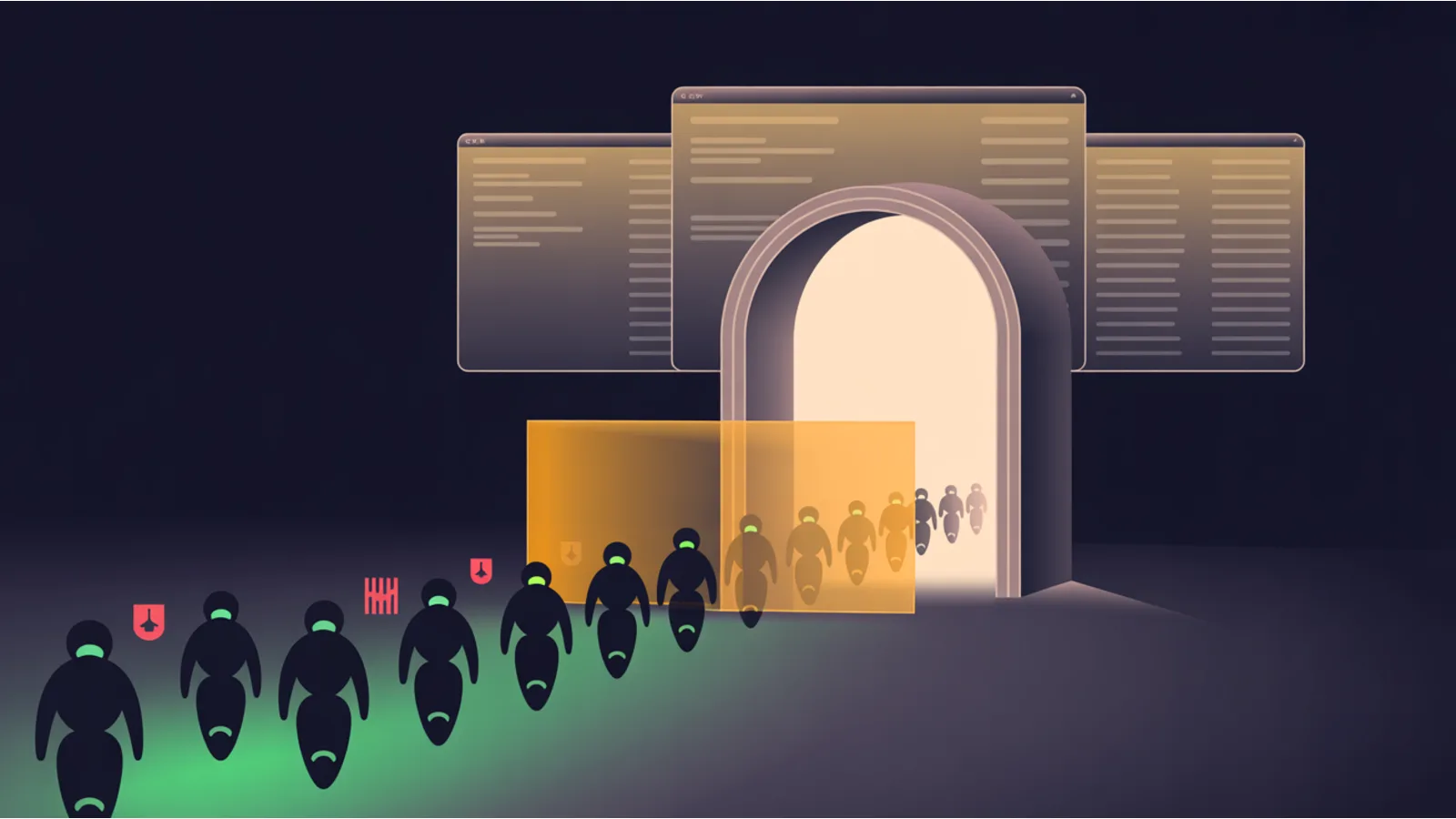
A thing that happens more often than people think: your robots.txt explicitly allows GPTBot. Your ai.txt has no Disallow. Your meta robots is permissive. And GPTBot still gets a 403. Because Cloudflare's bot-protection rules return a challenge page to any non-browser user-agent, and nobody configured an exception for GPTBot.
The AI Crawler Access Auditor catches this. It audits all three layers — robots.txt + ai.txt + CDN — for every major AI crawler in the shared bot registry, and tells you which bots actually reach your content.
The three layers
Layer 1: robots.txt + ai.txt directives. The auditor parses robots.txt using longest-match precedence (specific agent beats wildcard, specific path beats wildcard path). ai.txt is parsed against the Spawning spec. Each bot gets an allow/block verdict from the directive layer.
Layer 2: per-page meta robots + X-Robots-Tag. Fetches the page HTML, extracts <meta name="robots">, cross-references against what robots.txt said. The conflict case is "robots.txt allows, meta robots disallows" — or vice versa — which LLMs handle inconsistently.
Layer 3: CDN challenge page detection. This is the one most AI-access audits miss. If Cloudflare or Akamai return a challenge page ("Checking your browser…") instead of your actual content, non-browser UAs see the challenge, humans see the page. The auditor heuristically detects challenge markers in the page body and flags a "CDN-risk" verdict for every bot — because the bot will read the challenge, not your content.
The bots audited
The auditor pulls from the shared bot registry at /js/ai-bots.js — the same one driving every AEO/GEO tool on this site. Right now that includes the OpenAI family (GPTBot, ChatGPT-User, OAI-SearchBot), Anthropic (ClaudeBot, Claude-Web, anthropic-ai), Google (Google-Extended, Googlebot), Perplexity (PerplexityBot, Perplexity-User), Apple (Applebot-Extended, Applebot), Meta (Meta-ExternalAgent), ByteDance (Bytespider), Amazon (Amazonbot), Common Crawl (CCBot), Cohere (cohere-ai, Cohere-Training-Data-Crawler), Mistral (MistralAI-User), Diffbot, You.com (YouBot), Timpibot, Webz.io (omgili), Huawei (PetalBot), and the major search engines (bingbot, DuckDuckBot, YandexBot, Slurp, Baiduspider).
If a new vendor publishes a bot, it gets added to /js/ai-bots.js once and every tool on the site picks it up the next time the page loads.
Why the CDN layer matters most
Cloudflare's bot-management rules are opt-in per domain but almost always on by default for free-tier Cloudflare users who clicked through the onboarding. The default rules allow Googlebot (verified), Bingbot (verified), and block "unknown bots" — which includes every AI bot on the list above. The result: your robots.txt says "come on in" and Cloudflare says "absolutely not" at the edge.
The fix is a Cloudflare "Skip" rule or a Page Rule that lets specific User-Agent strings through. If you want to allow training bots you also need to configure the "AI scrapers and crawlers" preset that Cloudflare shipped in 2024, which names the AI bots explicitly and lets you allow or block them individually.
What to do with the output
Run it against your homepage, your most-cited article, and a random deep page. If the homepage is accessible but a deep page shows CDN-risk, your Cloudflare rule is too restrictive and you're losing retrieval coverage. If the homepage itself shows CDN-risk, nothing is getting indexed and you have a bigger problem.
The auditor doesn't emit fix code (that's the job of the AI Bot Policy Generator for directive-layer fixes, and a Cloudflare dashboard for CDN-layer fixes). What it does is tell you which layer is blocking which bot, so you know where to look.
Related reading
- AI Posture Audit — broader discovery-surface audit including llms.txt, humans.txt, security.txt.
- AI Bot Policy Generator — emits aligned robots.txt + ai.txt for any policy stance.
- llms.txt Validator — 12 structural checks on your llms.txt.
- Well-known Directory Audit — 13-file audit of the AI-discovery surface.
Fact-check notes and sources
- Cloudflare AI Crawlers & Bots documentation: developers.cloudflare.com/bots/concepts/ai-bots
- robots.txt spec (longest match): www.rfc-editor.org/rfc/rfc9309
- Spawning ai.txt spec: site.spawning.ai/spaces/ai-txt
- AI bot user-agent registry: darkvisitors.com/agents
The $100 Network covers aligning robots.txt + ai.txt + CDN rules across a site network with single-source templates. The auditor is how you verify the templates actually took effect.
