
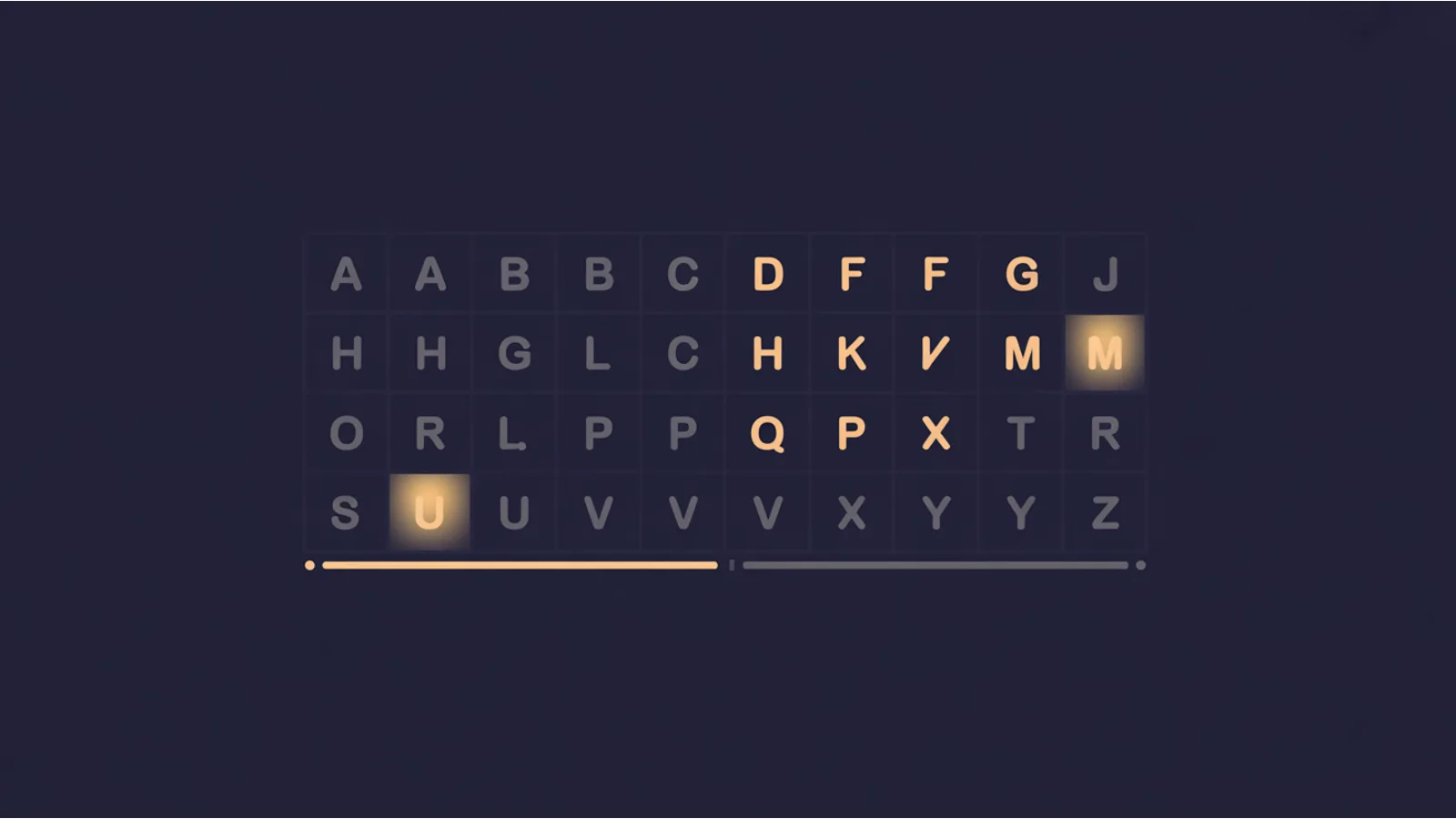
A single weight of Inter in WOFF2 format is about 96KB. That covers Latin, Latin Extended, Cyrillic, Cyrillic Extended, Greek, Greek Extended, and Vietnamese character sets. If your site is English-only, you need the Latin range: roughly 230 glyphs out of 2,548 in the full file. That's 9% of the glyphs doing 100% of the work, and the other 91% ships to every visitor on every page load.
Multiply that by the number of weights you use (regular, bold, italic, bold italic is common), and you're looking at 300-400KB of font data where 30-40KB would cover everything your pages actually display.
Why this matters for performance
Font files are render-blocking by default. The browser won't paint text until the font loads, which is why you see the flash of invisible text (FOIT) or flash of unstyled text (FOUT) on slower connections. A 96KB font file over a 3G connection takes roughly 800ms to download. A subsetted 12KB version of the same font takes about 100ms. That's 700ms of text visibility you're leaving on the table.
font-display: swap helps with the perceived delay by showing fallback text immediately, but the layout shift when the web font loads still counts against your Cumulative Layout Shift score. Smaller font files load faster, which means less time in the fallback state and smaller layout shifts when the swap happens.
Google Fonts actually does subsetting automatically through its unicode-range CSS declarations. When you use the Google Fonts API, it splits each font into subsets by character range and only downloads the subsets your page needs. But if you self-host your fonts (which you should, for privacy and performance reasons), you're responsible for subsetting yourself.
What subsetting actually means
Subsetting is removing glyphs from a font file that your site won't use. The most basic level strips everything outside the Latin character range for an English site. A more aggressive level strips even Latin characters you'll never use (like the Icelandic eth character or the Polish ogonek).
The tool chain is straightforward:
pyftsubset from the fonttools Python package is the standard. Give it a font file and a Unicode range, and it outputs a new font file with only those glyphs:
pyftsubset MyFont-Regular.ttf \
  --output-file=MyFont-Regular-subset.woff2 \
  --flavor=woff2 \
  --unicodes="U+0000-007F,U+2000-206F,U+2074,U+20AC,U+2122,U+2190-21BB,U+2212,U+2215,U+FEFF,U+FFFD"
That Unicode range covers Basic Latin, General Punctuation, the Euro sign, the trademark symbol, and common arrows. It's enough for 99% of English-language web content.
glyphhanger from Filament Group takes it further. Point it at a URL, and it crawls your pages to find exactly which Unicode code points appear in your content, then generates the minimal subset. This is the most aggressive approach and produces the smallest files, but you need to re-run it if your content changes significantly.
The checklist
Nothing on this site measures glyph subsetting directly, so this is a manual pass. Open DevTools, filter the Network tab to Font, and work through four things:
File sizes for each font resource. Compare each against what the same face would weigh subset to Latin, Latin Extended, or a content-specific range.
Unicode range coverage. If your CSS declares unicode-range in @font-face rules, check whether those ranges match the characters your content actually uses. Overly broad ranges mean you download glyphs you never render. Missing ranges mean some characters fall back to system fonts unexpectedly.
Weight count. Sites loading four or more weights of the same family usually do not need all of them. Past three weights, a variable font (a single file covering the whole range) is often the smaller option.
Font format. Fonts served as TTF, OTF, or WOFF version 1 are meaningfully larger than WOFF2. Anything not in WOFF2 is a quick win.
Self-hosting vs. Google Fonts
If you use Google Fonts, you get automatic subsetting but you also send your visitor's IP address and user agent to Google on every page load. Courts in Germany and Austria have ruled this violates GDPR without explicit consent. Self-hosting eliminates the privacy concern and gives you full control over subsetting, caching, and preloading.
The workflow: download the font files from the Google Fonts repository (or use google-webfonts-helper), subset them with pyftsubset, convert to WOFF2, and serve them from your own domain with aggressive cache headers. Total setup time for a typical two-weight font family is about 15 minutes.
Once the subsetting is done, run the Font Loading Strategy Audit to check font-display, preload hints, and WOFF2 coverage on the files you end up with, and the Remote Dependency Audit to identify external font sources that could be self-hosted.
For building sites that run fast from the start, The $97 Launch includes a font-minimal approach that keeps total font payload under 50KB.
Fact-check notes and sources
- Inter font metrics: 2,548 glyphs in v4.0, ~96KB per weight in WOFF2. Source: Inter font repository.
- Google Fonts unicode-range subsetting: Source: Google Fonts CSS API documentation.
- pyftsubset is part of fonttools, an open-source Python library: Source: fonttools documentation.
- glyphhanger from Filament Group: Source: GitHub repository.
- GDPR rulings on Google Fonts: Austrian DSB decision December 2021; LG München I, case 3 O 17493/20, January 2022.
Related reading
- Font Loading Strategy Audit — optimizing how and when your fonts load
- Remote Dependency Audit — finding all external resources including Google Fonts
- CSS Complexity Audit — the broader CSS optimization picture
- Render-Block Audit — fonts are one piece of the render-blocking puzzle
This post is informational, not web-performance consulting advice. Mentions of Google, Inter, and other projects are nominative fair use. No affiliation is implied.
