
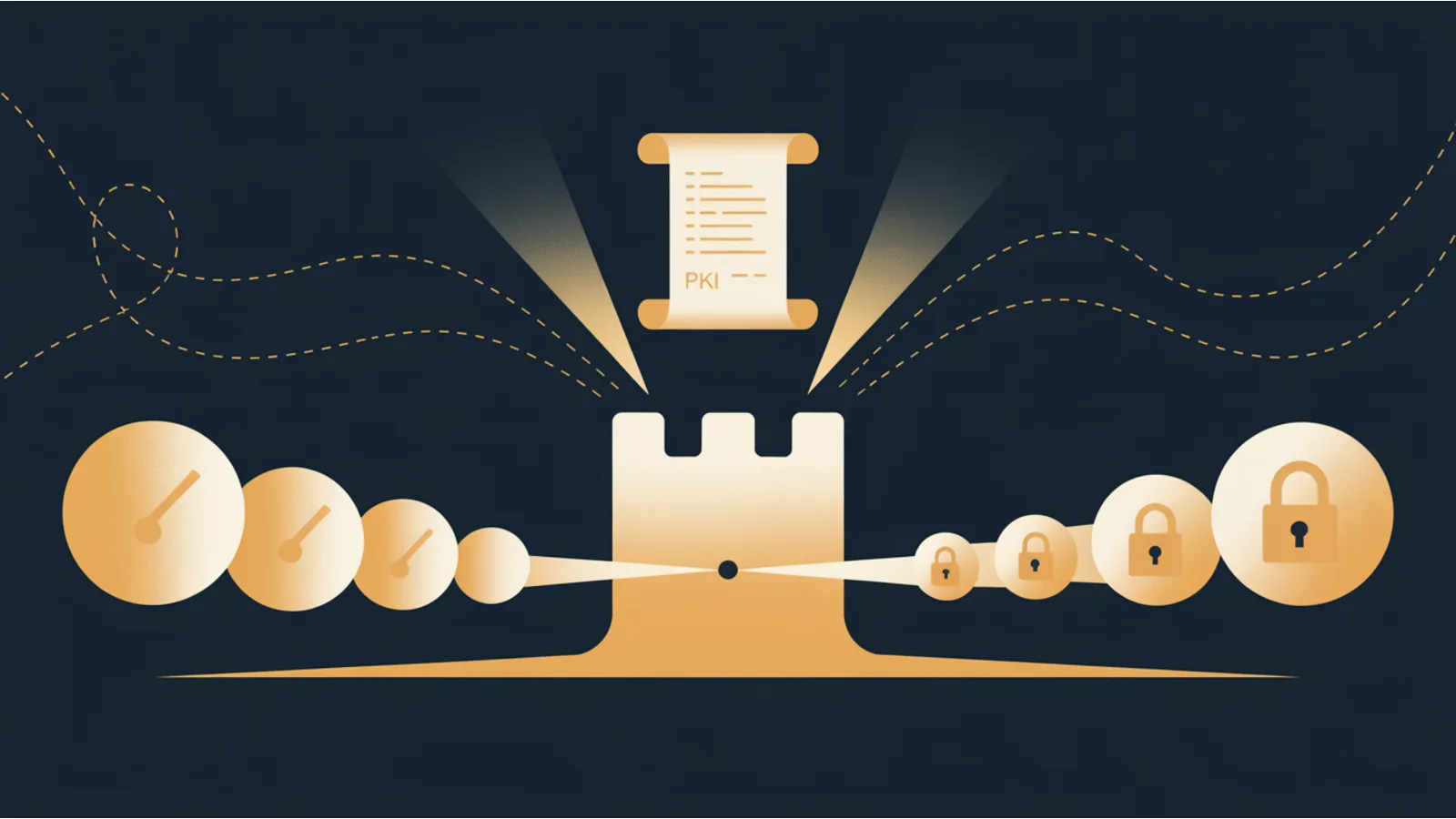
I spent about four hours last winter getting nginx to speak to Let's Encrypt through a strict firewall for an internal staging server. Port 80 was blocked, port 443 was the only way in, and the DNS-01 challenge needed a certbot hook that talked to our DNS provider. By the end I had three config files, a cron job, a bash script, and a nagging sense that I had just rebuilt something someone had already built better.
I had. It's called Caddy.
Caddy is an HTTP server written in Go that ships with automatic HTTPS turned on. You give it a domain name and it goes and fetches a certificate from Let's Encrypt, renews it on schedule, serves traffic over HTTP/2 and HTTP/3, and logs everything in JSON you can pipe into Loki or CloudWatch. The configuration is a plain text file, the Caddyfile, that reads like English. Sometimes it reads like JSON if you want that instead. Both are valid inputs.
I now run Caddy in three places: in front of public-facing sites, in front of internal homelab services, and as the trust anchor for a small internal network where everything needs its own certificate and nobody wants to see "Not Secure" in Chrome. Here's what I've learned from each.
The web-facing case — three lines and a working site
The smallest useful Caddyfile looks like this:
example.com {
  reverse_proxy localhost:3000
}
On first start, Caddy reads the domain, confirms DNS points at the host, asks Let's Encrypt for a certificate via the TLS-ALPN challenge on port 443, stashes the cert in its data directory, and starts serving. No certbot, no nginx reload hook, no cron. If the cert needs renewing in 60 days, Caddy handles it silently. If Let's Encrypt rate-limits you, Caddy falls back to ZeroSSL (configurable; both are real free CAs).
For a personal site on a single VPS, this is the whole operational burden of HTTPS. Three lines and a running process. That alone is worth the switch.
For sites that need more, security headers, rewrites, caching, conditional routing, the syntax stays readable:
example.com {
  encode zstd gzip
  header {
    Strict-Transport-Security "max-age=31536000; includeSubDomains; preload"
    X-Content-Type-Options nosniff
    Referrer-Policy strict-origin-when-cross-origin
    -Server  # remove server identification
  }
  @api path /api/*
  reverse_proxy @api localhost:3000
  root * /var/www/example.com
  file_server
}
That's the rough equivalent of a 60-line nginx config. The relevant pieces are discoverable from the Caddyfile docs in an afternoon. The security-headers-audit tool at /tools/security-headers-audit/ emits the security-header block in Caddy syntax directly, pick the Caddy tab when you run it.
I run the jwatte.com deploy pipeline on Netlify today and I'm not moving it. But for any project where I'm standing up my own server, a client's WordPress staging environment, a Go app on a DigitalOcean droplet, anything that needs a reverse proxy, Caddy is my default now.
The on-prem case — internal services without the self-signed warnings
Homelab and small-office setups run into the same problem that staging environments do. You have Home Assistant on one port, Jellyfin on another, a Grafana instance for monitoring, an internal wiki, a Gitea mirror. Every one of them should be on HTTPS because modern browsers break without it (secure cookies, service workers, WebAuthn, camera access). But Let's Encrypt requires a public domain and often requires port 80 or 443 to be reachable, and you're behind a home router or a corporate NAT.
You have three options. Use self-signed certs and teach every device to trust them. Buy a public domain for your internal stuff and use DNS-01 with your DNS provider. Or run a local CA.
Caddy's built-in local CA (called the "internal" CA) does the third thing automatically. You point Caddy at whatever internal DNS name you want — homeassistant.lan, jellyfin.local, anything that resolves inside your network, and Caddy generates a cert signed by a root it created the first time it started. One root cert goes on every device on your network. After that, every internal service has a real HTTPS certificate that Chrome, Firefox, Safari, and iOS Shortcuts all trust.
The config is nearly identical to the public case:
homeassistant.lan {
  tls internal
  reverse_proxy 10.0.0.12:8123
}

jellyfin.lan {
  tls internal
  reverse_proxy 10.0.0.14:8096
}

wiki.lan {
  tls internal
  reverse_proxy 10.0.0.20:3000
}
The tls internal directive flips the cert source from Let's Encrypt to Caddy's local CA. The root CA cert is at /var/lib/caddy/.local/share/caddy/pki/authorities/local/root.crt on Linux, copy that to every device once. Apple's configuration profiles can distribute it to every iPhone and Mac on the network via a single signed mobileconfig file. Windows Group Policy can push it to every domain-joined PC. Linux clients trust it via /usr/local/share/ca-certificates/.
After the root is installed, internal HTTPS is indistinguishable from public HTTPS to every browser on every device. No warning banners, no "Advanced → Proceed to site (unsafe)" clickthrough, no service workers that refuse to register. It's the thing that makes a homelab feel like a production environment.
The PKI case — Caddy as the ACME server for a fleet
The local-CA pattern works for a single Caddy instance serving a handful of services. It falls apart when you have multiple servers that need internal certs, a Kubernetes cluster with 20 pods, each needing TLS for its ingress, or a fleet of IoT devices that need to authenticate to a central API.
For that, you want an ACME server. ACME is the protocol Let's Encrypt uses to issue certs; any ACME client (certbot, cert-manager, Traefik, Caddy, even the acme.sh shell script) can request and renew certs from any ACME server.
Caddy can be the ACME server. Set up one Caddy instance as the issuer:
{
  pki {
    ca corporate {
      name "ACME Internal CA"
      root_cn "Corporate Root 2026"
      intermediate_cn "Corporate Intermediate 2026"
    }
  }
  acme_server {
    ca corporate
  }
}

acme.corp.internal {
  tls internal
}
That Caddy instance now hosts an ACME-compliant endpoint at https://acme.corp.internal/acme/corporate/directory. Any ACME client, including other Caddy instances, cert-manager in Kubernetes, Traefik on other servers, can point at that URL and get certs signed by your corporate root. The root cert distribution problem is the same as the single-instance case: one root trusted on every device, everything downstream flows from there.
This is the pattern I use for a 40-device network where about half the devices run something that speaks HTTPS. One Caddy instance is the CA. Every other service, whether it's a K3s cluster, a Synology NAS running a reverse proxy, or a small ESP32 device running a custom web server, requests its own cert from the central ACME endpoint, renews on its own schedule, and trusts the same root everyone else does.
If your organization already has a real internal PKI, a Microsoft Active Directory Certificate Services deployment, or a Smallstep step-ca, or HashiCorp Vault's PKI engine, Caddy can ACME against that instead. Smallstep is the most common pairing; it's purpose-built to be the CA and Caddy is purpose-built to be the reverse proxy in front of your services, and they both speak ACME, so they interoperate without custom glue.
What Caddy is not
Caddy is not faster than nginx on benchmarks. For pure static-file serving at extreme request rates, nginx still wins by a decent margin, maybe 30-50% higher requests-per-second on the same hardware. If you are running one of the highest-traffic sites in your country, run nginx or write to the HAProxy mailing list. If you are not, Caddy's performance is more than adequate; I've seen it handle 4,000 requests per second on a $5 DigitalOcean droplet reverse-proxying to a backend. That is plenty.
Caddy is also not the right choice if your team knows nginx cold and doesn't know Caddy. Operational familiarity has real value, and the cost of a config mistake in production is always higher than the cost of running a slightly less elegant tool.
And Caddy's ecosystem of third-party modules is smaller than nginx's. If you need some obscure OAuth proxy behavior or a specific rate-limiting algorithm, check the Caddy modules list before committing. Most of what you need is in there (caddy-security for SSO, caddy-dns providers for every DNS-01 challenge scenario, caddy-ratelimit for per-IP throttling), but not everything.
A practical onramp
The shortest path from "I've never used Caddy" to "I'm running it in production":
- Stand up one non-critical service behind Caddy on a spare VPS. Let it handle its own Let's Encrypt cert. Watch the logs for 48 hours to convince yourself it renews correctly and doesn't crash.
- Replace nginx on a second non-critical service. Port your security headers —
/tools/security-headers-audit/emits the exact Caddy syntax for the same baseline you had in nginx. - If you have an internal network, try
tls internalfor one service and install the root on one laptop. Confirm the cert works. Roll out the root to other devices via your preferred method. - If you have multiple servers, set up the ACME server pattern and migrate cert issuance off any standalone certbot installations.
At step 4, you're running less plumbing than you were. That's usually when it becomes obvious the switch was worth making.
Where the other tools tie in
Several tools on this site now emit Caddy config alongside the other hosts they already supported:
- Security Headers Audit, emits the same canonical header set for Caddy, Netlify, Cloudflare (Pages + Workers), Vercel, nginx, Apache, AWS CloudFront, and DigitalOcean App Platform. Pick the tab.
- Broken Link Fix Generator, emits redirect config for Caddy alongside the other host formats. The Caddy output uses the native
redirdirective withpermanent/temporarystatus codes. - CWV Fix Generator, the cache-control header patches it emits work in Caddy syntax without modification.
Related reading
- Netlify, Cloudflare, Vercel, or Self-Hosted, When Each Makes Sense
- Fix GSC Errors Fast, The Hosting Side
- The Mega Analyzer, Why Self-Hosted Is Never the Bottleneck
- CWV Fix Generator, Cache-Control Headers That Matter
If you're building self-hosted infrastructure as part of a digital-independence play, owning the stack rather than renting SaaS on top of SaaS, the $100 Network walks through the underused-platform patterns that keep costs low: The $100 Network.
Fact-check notes and sources
- Caddy automatic HTTPS via Let's Encrypt + ZeroSSL: caddyserver.com/docs/automatic-https (accessed 2026-04-20)
- Caddy local CA (
tls internal) reference: caddyserver.com/docs/caddyfile/directives/tls#internal - Caddy ACME server module: caddyserver.com/docs/caddyfile/directives/acme_server
- ACME protocol (RFC 8555): datatracker.ietf.org/doc/html/rfc8555
- Smallstep
step-ca(ACME-compatible internal CA): smallstep.com/docs/step-ca/ - nginx vs Caddy performance (benchmarks vary by workload): Talos comparison — "Benchmarking Modern Web Servers", nginx generally leads by 20-50% in raw requests/sec; Caddy competitive on mixed workloads
- HTTP/3 support in Caddy: caddyserver.com/docs/caddyfile/options#servers, enabled by default since Caddy 2.6
