
Part of the AEO / GEO / AI-search audit tool stack. See the pillar post for the full catalog of sibling audits and where this one fits in the lineup.
The first time I noticed it was on a client site I was asked to audit. Nine beautifully written FAQs on the homepage. Zero of them in JSON-LD. Nothing about the FAQ setup was sloppy. The questions were specific, the answers were factual, the accordion worked. Google just couldn't see any of it as a FAQPage because none of it was marked up.
I ran the same check on a self-storage site a few weeks later. 50 visible questions. 50 in schema. Looked perfect. Except three of the schema questions were worded slightly differently than the visible ones, and nine of the answers had drifted 30-60% away from what the page said. Google treats both of those as policy violations and will suppress the whole rich result without telling you.
Neither problem shows up in Search Console. Neither gets flagged by the Rich Results Test. They just live in your schema, quietly killing the rich result you thought you'd earned.
That's the gap. The FAQ Schema Parity Audit is the tool that closes it.
What the tool does
You paste a URL (or raw HTML for staging pages). The tool does three things at once:
- Walks every JSON-LD block on the page, pulls every
Questionnode, whether it lives inside a top-levelFAQPage.mainEntityarray or gets buried deeper in an@graph. Normalizes the question text for matching. - Extracts every visible question from five common markup patterns:
<details><summary>, headings (h2throughh5) ending in?,<dt>/<dd>pairs,<button aria-expanded>with anaria-controlspanel, and class-based markers like.faq-questionor.accordion-button. - Diffs the two lists and produces a four-state matrix.
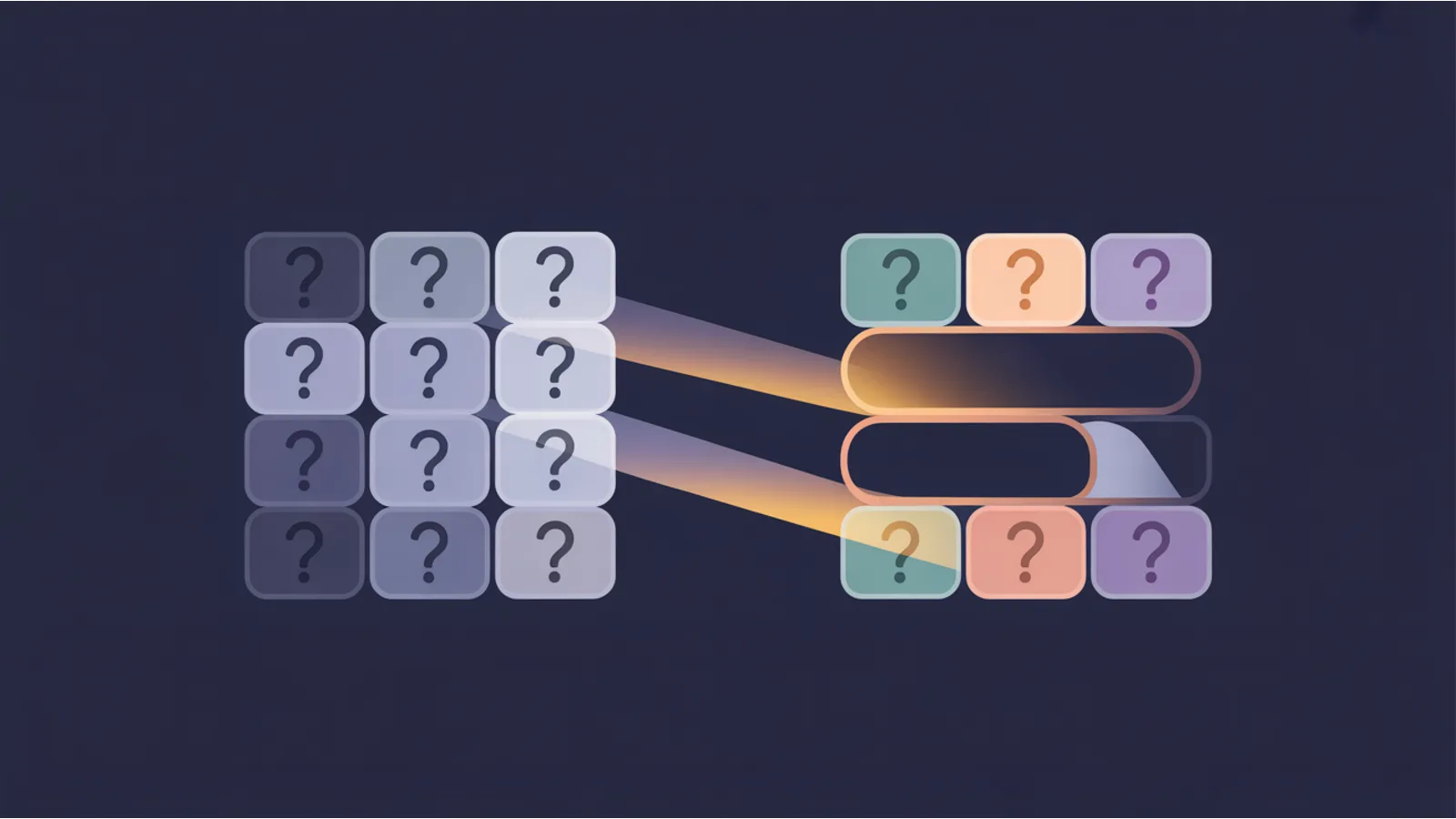
Green, matched on both sides. The question is in schema and on the page, and the answer texts don't diverge materially.
Blue (Δ), matched question, but the answer in schema is more than 30% different from the visible answer. These are the ones that get the entire rich result suppressed and nobody notices because the feature just quietly goes away.
Amber (!) — schema-only. The Question exists in your JSON-LD but there's no corresponding visible Q&A on the page. Google calls these "ghost entries". One of them is enough to trigger full-page suppression under Google's FAQPage visibility policy.
Red (✗), visible-only. A visible FAQ that's missing from JSON-LD. This isn't a policy violation, but it's a missed rich-result opportunity. Every visible-only FAQ is one that can't show up in People Also Ask, can't be cited by AI Overviews, can't feed Perplexity or Claude's retrieval. For most service pages this is where the fastest wins live.
The output also includes a drop-in JSON-LD block populated with the visible answer text for every missing question, ready to paste into <head> or the end of <body>. And a pre-filled AI fix prompt that tells Claude or ChatGPT exactly what to produce: a single corrected FAQPage JSON-LD block, per-question decisions on ghost entries, drift rewrites, and 3–5 adjacent FAQs the page probably should add.
CSV, JSON, and standalone HTML reports export client-side. Nothing gets stored.
Why it exists
Because the three failure modes above are silent. They don't appear in any error log. Search Console doesn't email you when your rich result gets suppressed. The Rich Results Test only validates structure, not parity.
The only way to notice is to compare the JSON-LD against the rendered HTML by hand, which nobody does, especially not on accordion-heavy service pages where the FAQ markup has been copy-pasted from the previous build.
I built this tool because I hit the same pattern three times in a row across unrelated client audits:
- Peptide research site: 9 visible, 0 schema → 100% rich-result forfeit
- Self-storage site: 47 matched, 3 ghost, 3 orphan, 9 drift → suppression risk + partial coverage loss
- SaaS landing page with old theme: schema had 22 questions, page had 14 (a CMS template shipped legacy Q&A copy that the new design removed)
None of these were lazy sites. All three were being maintained. The parity drift just accumulated over time as content and schema got edited on different schedules. A quick pre-flight check catches all of it.
When to run it
- Before submitting any page to Search Console. This is the most common FAQPage rule violation I see in the wild. Catching it now beats reading "Eligible for: none" after the fact.
- Before and after every FAQ content edit. If you add a question to the page, you need to add it to schema. If you rewrite an answer, you need to update the schema answer too.
- After migrating to a new theme or CMS. Template changes regularly leave orphan schema blocks behind. Run parity as part of the regression check.
- As a quarterly audit on evergreen service / FAQ pages. Content drifts. Schema drifts. Parity catches the drift before Google does.
- Before optimizing for an AI search surface. Perplexity, ChatGPT, and Google AI Overviews all prefer clean, schema-matching FAQ pages as citation sources. Every visible-only question you have is a citation you're not earning.
The workflow I actually use
- Paste the URL into /tools/faq-schema-parity/. Click Run.
- Look at the verdict banner at the top. "Parity clean" = move on. Anything else = keep scrolling.
- For visible-only questions, copy the drop-in JSON-LD block the tool produces and paste it into the page's existing FAQPage schema. If the page has no FAQPage schema at all, the block is your starting point.
- For schema-only questions, decide per question: does it deserve a visible section on the page, or was it left over from an old draft? Add the visible HTML or remove the schema entry. The AI fix prompt at the bottom of the report tells the model to decide per-question with justification; that's faster than eyeballing it.
- For answer-text drift, overwrite the schema
acceptedAnswer.textwith the visible answer verbatim. Do not paraphrase. Google compares the two strings and the one on the page wins. - Re-run the tool. Verify the matrix goes all green.
- Paste into the Google Rich Results Test to confirm your FAQPage is now eligible.
On a typical page this takes ten minutes end to end. On a 50-question FAQ page with drift, thirty.
Where it fits in the tool chain
This tool is one of three FAQ-focused tools on the site. They are not duplicates, they solve three different problems in the FAQ lifecycle:
FAQ Harvester, when you don't know which questions to answer yet. Pulls every FAQ from the Google top 10 for your query, deduplicates, clusters by theme, and emits a ready-to-paste FAQPage block. The post Harvest Every FAQ From the Google Top 10 walks through the exact workflow.
FAQ Schema Parity Audit, once you have FAQs on the page, make sure schema and visible match. This is the tool this post is about.
Schema Validator, once schema and visible match, validate the JSON-LD against Google's required-fields rules per @type. Covered in A Schema.org Validator That Knows Google Rich-Results Requirements.
The handoff is: Harvester → Parity → Validator. Skip any step and you leak rich results.
It also composes with the Mega Analyzer, which now includes a lightweight FAQ parity signal in its Schema tab. The Mega Analyzer tells you "parity is broken, 3 ghost entries, 3 visible-only" during a routine single-URL audit; the dedicated parity tool is the one you open next to see exactly which questions and get the drop-in fix.
Honest limits
The tool reads static HTML. That means:
- JavaScript-rendered FAQ components won't be detected. If your FAQ accordion is built by a framework that hydrates client-side, the visible-question extractor sees an empty wrapper and the tool reports 0 visible questions. Switch to SSR or pre-render that section.
- Custom accordion markup might not match the five patterns. If you're using an unusual Web Component or a heavy-handed ARIA implementation, the extractor can undercount. Paste the rendered HTML in "Paste HTML" mode instead of letting the proxy fetch, that at least lets you see what static HTML contains.
- Semantic equivalence detection is heuristic. "Can I store my RV at your facility?" and "Do you allow RV storage?" mean the same thing to a human but different normalized strings to the tool. The matcher handles obvious variants (trailing "at Site Name" suffix, casing, punctuation), not arbitrary paraphrasing. If you have heavy paraphrasing between schema and visible, that's already a Google-policy issue anyway.
- Parity ≠ rich-result eligibility. Google applies additional quality and policy rules on top of schema correctness. The tool is a pre-flight check, not a guarantee. Use the Rich Results Test as the final verification.
Related reading on this site
- Harvest Every FAQ From the Google Top 10, Deduped and Ready to Implement, how to figure out which FAQs to add in the first place
- A Schema.org Validator That Knows Google Rich-Results Requirements Per Type, the type-level validator that runs after parity passes
- EEAT + Schema: structured data that is read as signal, why Google weights schema differently depending on the trust context around it
- Speakable schema for AI citation surfaces, the parallel problem for voice and AI answer surfaces
- ItemList / Carousel schema patterns, a related FAQ-adjacent rich result for list content
The tool itself: jwatte.com/tools/faq-schema-parity/. Zero signup, zero tracking, browser-side parsing, drop-in JSON-LD out. Open a page. Fix the gap. Ship.
This post is informational, not legal or SEO-consulting advice. Google's FAQPage rich-result eligibility depends on multiple factors beyond schema parity; always validate with the Rich Results Test before claiming conformance. Mentions of Google, Schema.org, and other third parties are nominative fair use. No affiliation is implied.
