
Part of the performance audit tool stack. See the pillar post for the full catalog of sibling audits and where this one fits in the lineup.
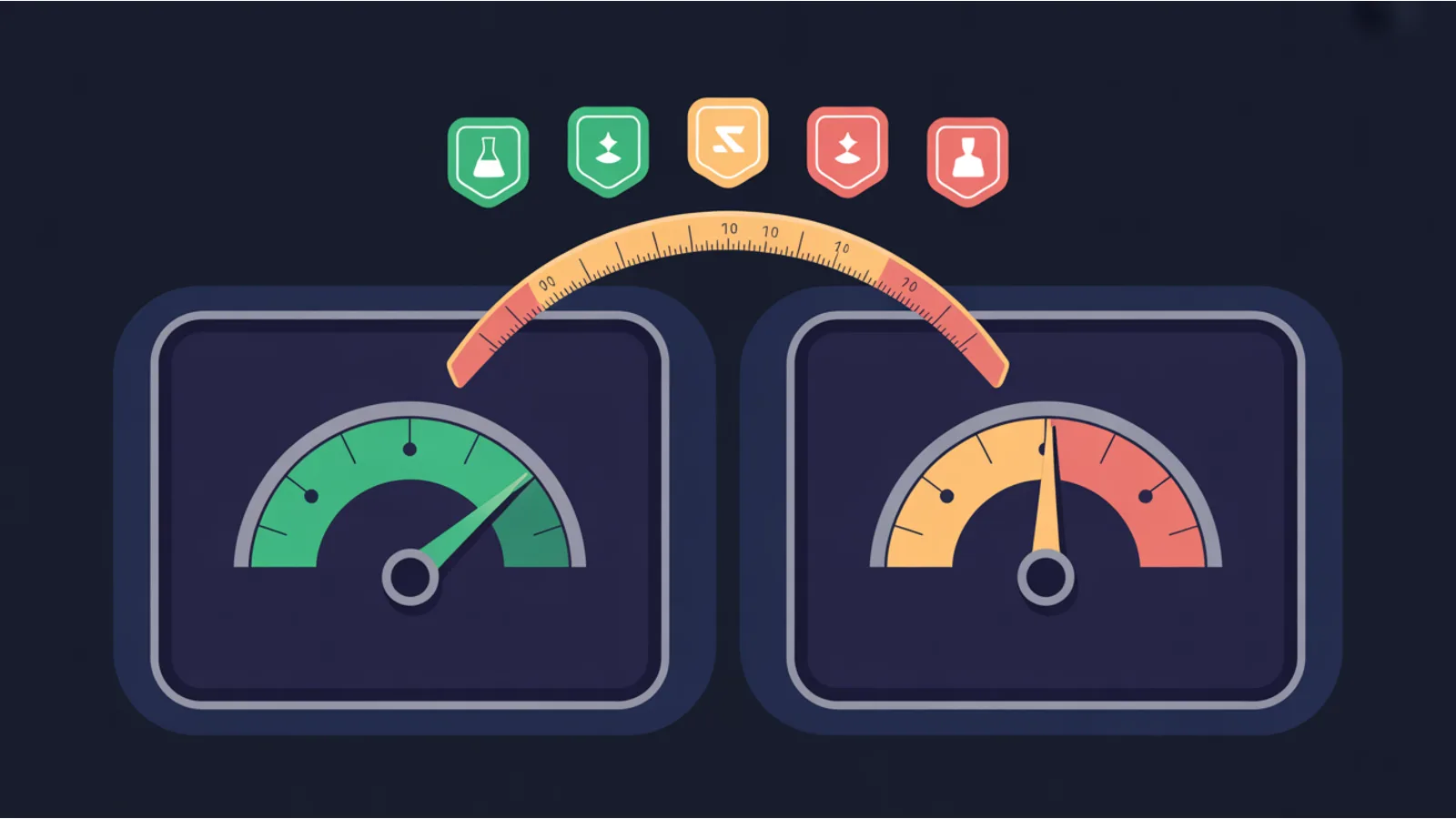
Lighthouse measures one controlled load. CrUX measures 28 days of reality across thousands of real sessions. They disagree more often than teams realize.
Typical lab blind spots:
- INP. Lab measures initial-load interaction. Field captures mid-session INP after the user has been clicking around for minutes. Third-party scripts that lazy-load on scroll degrade field INP while passing lab INP.
- CLS. Lab measures above-the-fold layout shift on first paint. Field accumulates CLS over the whole session — infinite-scroll injections, delayed-font-swap shifts, ad refreshes all contribute.
- LCP. Lab uses one geography and one device profile. Field mixes fast and slow, mobile and desktop. A site with a p25 user base on 3G will have field LCP far worse than lab.
CWV Field vs Lab Gap Audit queries Google's PageSpeed Insights API for both data sources in one call, computes the delta per metric, and flags the lab blind spots.
Using the tool
Enter a URL and a strategy (mobile or desktop). The tool hits PSI's public endpoint (no key required for light use; get a free API key for higher rate limits). Returns:
- Per-metric lab value (from Lighthouse audit).
- Per-metric field p75 (from CrUX 28-day aggregate for the URL, or origin-level if URL has insufficient traffic).
- Gap classification: aligned, lab blind spot (field worse), or field ahead (lab worse).
The lab-blind-spot metrics are the ones to prioritize — real users are the ones who matter for both conversion and ranking.
What to do about each blind-spot pattern
- INP lab < 200ms but field > 500ms. Deploy Real-User Monitoring (RUM) via the web-vitals.js library. Attribution-mode RUM surfaces which event handlers are slow in production. Fix third-party scripts lazy-loading on scroll by deferring or unloading them.
- CLS lab 0.05 but field 0.25. Your session has shifts lab doesn't catch. Common cause: ad refresh inserting without aspect-ratio, infinite-scroll element insertion, font-swap flash.
- LCP lab 1.8s but field 4.2s. Your real user base has slower network / device than lab simulates. Ship priority hints on the LCP image, preload the LCP image, optimize the critical-path CSS.
Why this matters for ranking
Google uses CrUX (field) data for ranking, not Lighthouse (lab) data. Your lab score could be 100/100 and your ranking would still suffer if real users are hitting timeouts. This audit is the diagnostic pass that connects lab optimization to real-user impact.
Related reading
- CWV Audit — local measurement
- CWV Fix Generator — emits remediation patches
- INP Attribution — per-handler attribution
Fact-check notes and sources
- PSI API v5: developers.google.com/speed/docs/insights/v5/get-started
- Chrome UX Report (CrUX): developer.chrome.com/docs/crux
- Web Vitals library: github.com/GoogleChrome/web-vitals
The $100 Network covers CWV as a site-network concern — where one template change lifts 50 sites at once. The field-vs-lab audit is how you prove real users are getting the lift.
