
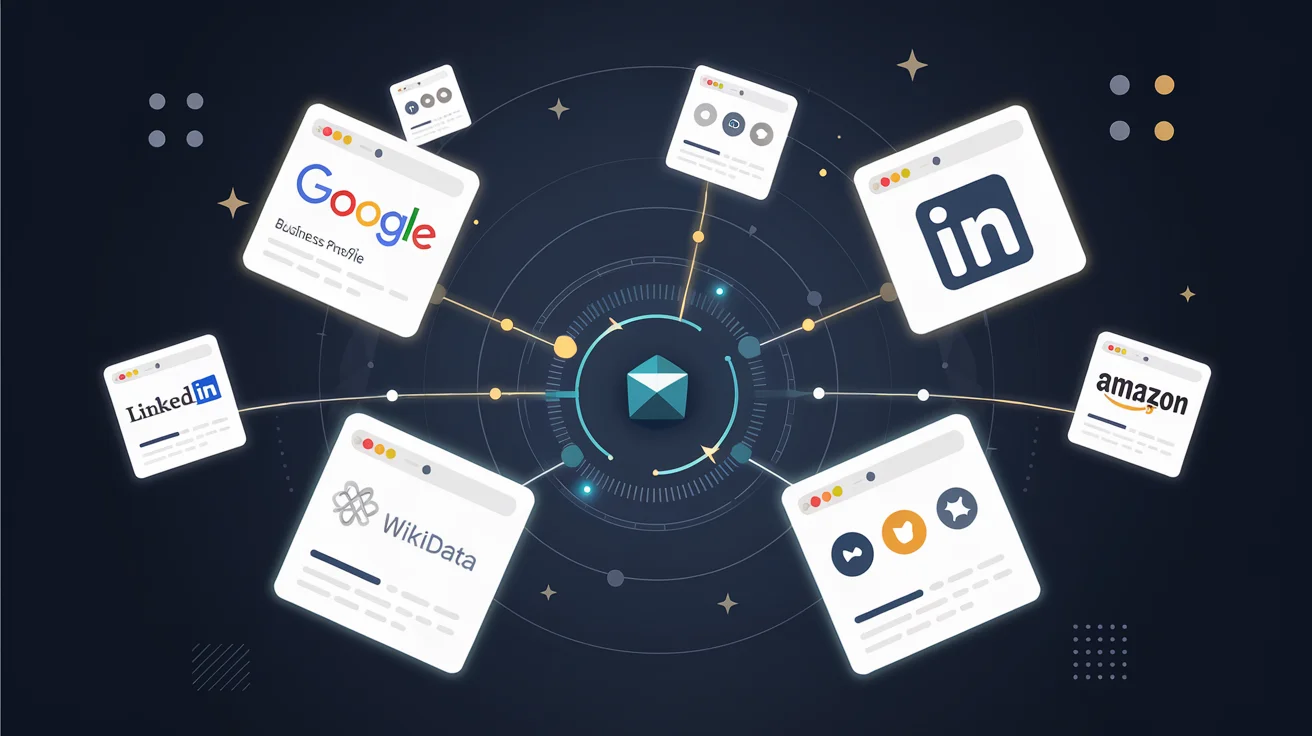
This is Part 2 of the E-E-A-T Authority series. In Part 1, I covered what E-E-A-T is and why consistency across platforms is the foundation. Now we build the actual profiles.
The goal of this article is specific: by the end, you will have profiles on seven platforms that Google uses to verify entities. Each profile references the others, creating a closed loop of identity verification that Google's Knowledge Graph can follow.
A note before you start: Wikidata has a strict notability policy and routinely deletes items for non-public individuals, self-promoted brands, or anything they consider not notable per their internal criteria. Even when you have verifiable third-party sources. Treat Wikidata as a bonus authority signal, not a foundation. Build your identity network on platforms you control or that do not gate-keep by notability (Amazon Author Central, Goodreads, ORCID, LinkedIn, your own site) and pursue Wikidata only if your entity already has substantial independent press coverage.
Platform 1: Wikidata. The Knowledge Graph Source
Wikidata is the structured data backbone of Google's Knowledge Graph. It is free, open, and anyone can create entries. But most brands never do.
How to Create a Wikidata Entry
- Create an account at wikidata.org/wiki/Special:CreateAccount
- Go to wikidata.org/wiki/Special:NewItem
- Fill in the Label (your brand name), Description (one sentence), and Aliases
For a person entity, I used:
- Label: J.A. Watte
- Description: American author and entrepreneur
- Aliases: JA Watte, Joshua Watte
Then add statements. These are structured properties:
| Property | Value | Why It Matters |
|---|---|---|
| instance of (P31) | human (Q5) | Tells Google this is a person |
| occupation (P106) | writer (Q36180) | Categorizes the entity |
| country of citizenship (P27) | United States (Q30) | Geographic signal |
| official website (P856) | https://jwatte.com | Links to your site |
| notable work (P800) | The Trap Series | References your products |
For a book series, I created a separate item:
- Label: The Trap Series
- Description: Personal finance and business book series by J.A. Watte
- Statements: instance of → book series, author → J.A. Watte (linked to the person item)
If you choose to pursue per-book items, create one item per book after the series item exists, and cite independent reviews or media coverage as sources for each statement. Items without clear third-party notability will be deleted. Plan accordingly.
The Wikidata Propagation Timeline
Wikidata changes do not appear in Google immediately. In my experience:
- 2-4 weeks: Google crawls the Wikidata entry
- 4-8 weeks: Entity associations begin appearing in Knowledge Graph
- 8-12 weeks: Knowledge Panel may appear (if sufficient convergent signals exist)
Create the entries now. The clock starts ticking when you save.
Platform 2: Google Business Profile
Even if you are an online-only business, a Google Business Profile (GBP) is one of the strongest entity signals you can send.
- Go to business.google.com
- Click "Add your business"
- Enter your business name exactly as it appears everywhere else
- Choose a category. For authors, use "Author" or "Publisher." For a product brand, use the most specific category available
- If you have no physical location, select "I deliver goods and services to my customers"
- Add your website, phone number, and description
- Complete verification (Google may offer email, phone, or postcard verification)
After verification, fill out every field. Upload a profile photo. Add your products or services. Post at least one update. Respond to any reviews. Google rewards complete profiles.
Platform 3: LinkedIn
LinkedIn serves two roles: it is a sameAs signal in your schema markup, and it is a platform Google actively crawls for entity information.
Personal Profile
- Update your headline to match your exact title across all platforms
- Under Experience, list your current role with your brand
- Add your website in the Contact Info section
- Under Publications, list each book or product with its URL
Company Page (Optional but Valuable)
- Create a company page for your brand or publishing entity
- Use the same logo, name, and description as everywhere else
- Link to your website
- Post updates linking to your blog content
Platform 4: Amazon Author Central
For authors, Amazon Author Central is the most impactful profile after Wikidata.
- Go to author.amazon.com
- Sign in with your Amazon account
- Claim your author page by searching for your books
- Add a biography, author photo, and blog RSS feed
- Link to your website and social profiles
Amazon Author Central feeds directly into Amazon's search algorithm and also provides data that Google uses for book-related Knowledge Panels.
Platform 5: Crunchbase
Crunchbase has a documented data partnership with Google. Creating a free profile takes 10 minutes.
- Go to crunchbase.com
- Click "Add Organization" or search for your entity first
- Fill in: organization name, description, website, founding date, headquarters, categories
- Add key people (link to your personal profile)
- Add social links
The free tier is sufficient. The goal is entity presence, not paying for analytics.
Platform 6: ORCID
ORCID is a researcher identifier used globally in academic publishing. Even if you are not an academic, having an ORCID signals that you take your intellectual output seriously.
- Register at orcid.org/register
- Set visibility to Public
- Add your employment/affiliation
- Add your publications or works
- Add your website URLs
I registered and received ORCID 0009-0005-4708-8120. This ORCID now appears in the sameAs property of every Person schema across all of our sites.
Platform 7: Google Scholar
If you have any published works that cite data sources. Books, research papers, white papers. Creating a Google Scholar profile adds another convergent signal.
- Go to scholar.google.com
- Click the profile icon and "Create my profile"
- Add your publications
- Add your institutional affiliation and website
Connecting the Profiles
Here is the critical step most people miss: each profile must reference the others.
- Your Wikidata entry should list your official website
- Your website's schema markup should list all profiles in
sameAs - Your LinkedIn should link to your website
- Your Amazon Author Central should link to your website
- Your Crunchbase should link to your website and social profiles
This creates a closed loop. Google follows the links from your site to Wikidata, from Wikidata to your site, from LinkedIn to your site, from your site to LinkedIn. Each confirmation strengthens the entity signal.
The sameAs Array
In your website's JSON-LD schema, the sameAs property tells Google "this entity is the same as the entity at these URLs." Here is what mine looks like:
{
  "@type": "Person",
  "name": "J.A. Watte",
  "sameAs": [
    "https://www.amazon.com/author/jawatte",
    "https://orcid.org/0009-0005-4708-8120",
    "https://www.linkedin.com/in/jawatte",
    "https://www.goodreads.com/author/show/69337253.J_A_Watte"
  ]
}
The rel="me" Links
In your HTML <head>, add rel="me" links to each profile:
<link rel="me" href="https://www.amazon.com/author/jawatte">
<link rel="me" href="https://www.goodreads.com/author/show/69337253.J_A_Watte">
<link rel="me" href="https://orcid.org/0009-0005-4708-8120">
These tell search engines: "I am verifying that this is my profile on that platform."
Consistency Audit
After creating all profiles, audit them. Open each one and verify:
- [ ] Name matches exactly across all platforms
- [ ] Website URL matches exactly (including https:// and trailing slash)
- [ ] Description is consistent (does not need to be identical, but should not contradict)
- [ ] Logo or profile photo is the same
- [ ] Location matches
- [ ] Each profile links back to your website
Any inconsistency weakens the signal. Fix it before moving on.
Next: Schema Markup and Structured Data
In Part 3, I will show the exact JSON-LD schema markup I use across all sites to make these entity relationships machine-readable. Person schema, Organization schema, Book schema, BookSeries schema, and how they reference each other through @id nodes.
Related reading
The methodology behind this piece is covered in depth in:
- The $20 Dollar Agency, Single-site audit + schema + E-E-A-T playbook, the agency-for-one methodology.
- The $100 Network, Monoclone architecture, IndexNow, and multi-site scaling, how to run a network of sites.
