
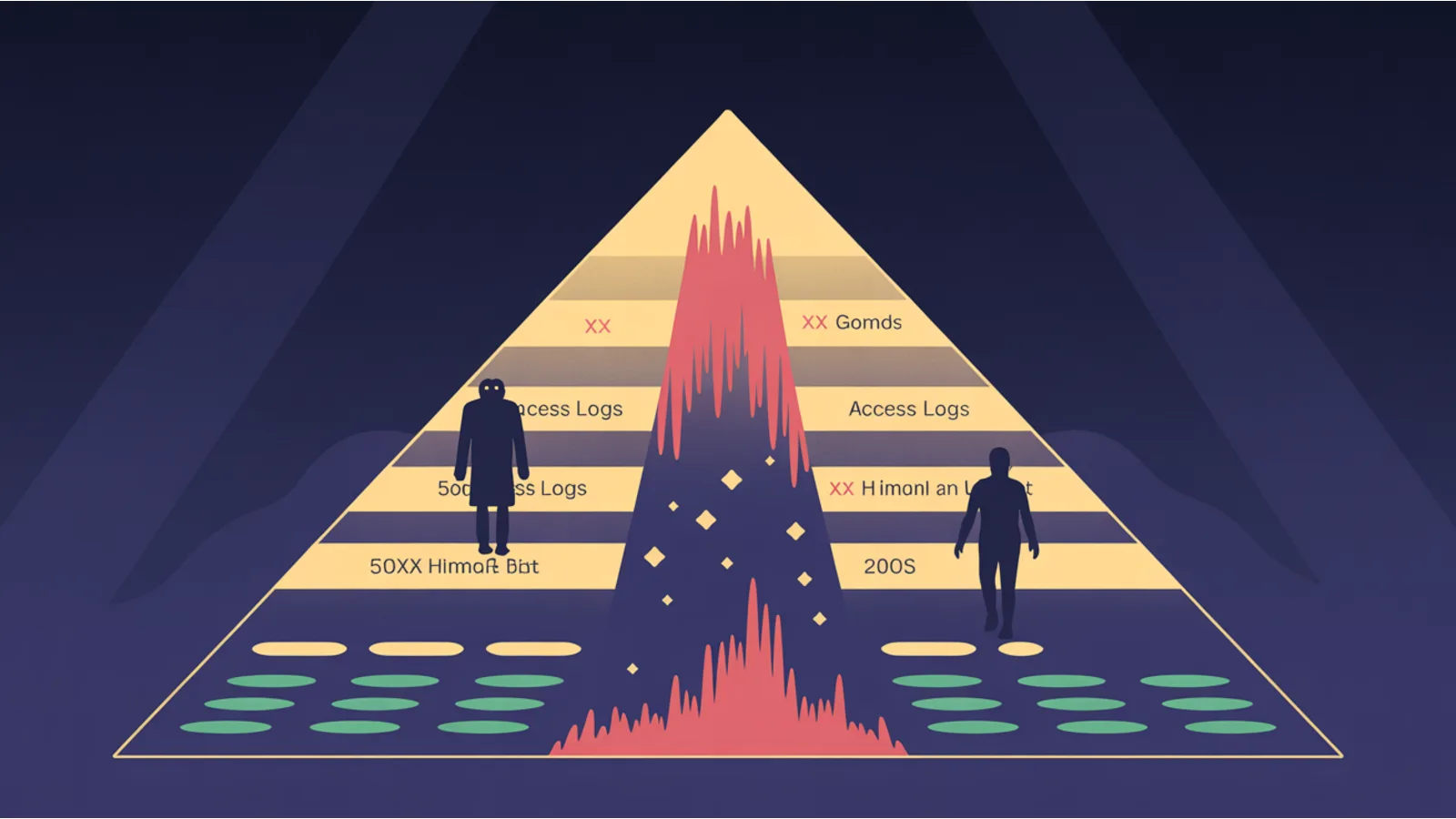
A site loses 40% of its Googlebot crawl. Search Console reflects it three weeks later. Rankings drift downward. Two months in, the operator finally notices, opens GSC, and starts panicked investigation work that should have started two months earlier.
Access logs would have shown the regression on day one. The signal is there. Most SMBs never look.
Reasons they don't: log analysis tools are expensive (Screaming Frog Log Analyser at $129/yr, Oncrawl at $149/mo, Botify at $800+/mo), the file formats are messy, and you have to know what pattern to look for. The audit closes that gap — paste raw logs, get the answer.
What the Web Log Anomaly Detector does
You paste access log lines (combined / common log format — Netlify, Nginx, Apache, CloudFront all emit this). The tool:
- Parses each line into IP, timestamp, method, path, status, bytes, user-agent.
- Identifies bots by UA string (Googlebot, Bingbot, GPTBot, ClaudeBot, PerplexityBot, Applebot, Bytespider).
- Buckets traffic by hour to detect spike windows.
- Flags 5xx and 4xx surges relative to baseline.
- Identifies wasted-crawl patterns on Googlebot (UTM-laden URLs, paginated/facet pages, 4xx/410 paths).
- Compares Googlebot crawl volume between first and second halves of the time window — flags >50% regression.
- Emits an AI prompt with all findings + spike windows + wasted paths for fix planning.
The four anomaly types it watches for
1. Status-code spike windows. A surge of 5xx errors in a single hour means the origin or a backend dependency had an episode. A surge of 4xx (≥20% of bucket) usually means a deploy broke a route, a CDN cache went stale, or a bot is probing for vulnerabilities.
2. Googlebot crawl regression. If your Googlebot hit count drops more than 50% comparing the first half of the time window to the second half, something changed: a robots.txt edit you forgot, a 503 you served Googlebot during a deploy, an Algolia/Cloudflare bot challenge that's catching Googlebot, or an algorithmic deprioritization.
3. Wasted-crawl URL patterns. Googlebot pulls a URL, but the URL is one of: parameterized garbage (?utm_source=...), a paginated/facet trap (/page/47/?color=red), or a 4xx/410 dead end. Each wasted hit eats your crawl budget. The audit flags the top 10 wasted patterns so you know where to add robots.txt blocks, canonicals, or 410 responses.
4. Bot-impersonation suspicions. A sudden burst from a single IP claiming to be Googlebot is suspicious. Real Googlebot reverse-DNS resolves to googlebot.com — verify with host or dig before adding firewall rules.
What "regression" actually means
A 10% week-over-week drop in Googlebot hits is noise. A 50% drop is a signal. A 90% drop is a fire.
The tool flags >50% reduction in Googlebot hits between the first half and second half of the parsed time window because that magnitude is past-noise: it almost always indicates an actual change (config, infrastructure, or algorithmic).
Once flagged, the AI prompt asks the model to rank the 5 most-likely causes:
- Recent robots.txt edit (most common)
- Deploy that introduced a 5xx during the GSC crawl window
- CDN bot-protection layer catching Googlebot
- Server-load reducing crawl rate (Googlebot self-throttles)
- Algorithmic deprioritization (rare; usually paired with site-quality issues)
The 30-day log-watching cadence
Logs aren't a one-time audit. The cadence:
Daily — eyeball 5xx counts. Over 100/day on an SMB site is a fire.
Weekly — run the audit on the last 7 days of logs. Watch the Googlebot hit trend.
Monthly — full 30-day window. Tabulate wasted-crawl URLs into a backlog of canonical/robots/410 fixes.
After every deploy — first 24 hours of post-deploy logs. A deploy that breaks a route shows up as a 4xx spike within the first hour.
Where to get the logs
Different platforms expose them differently:
- Netlify — Drain to S3 / Datadog / Logtail. Premium plans only. Or use the Netlify API.
- Nginx —
/var/log/nginx/access.log(rotated daily). Stream viatail -f. - Apache —
/var/log/apache2/access.logor per-site under/var/log/apache2/<site>-access.log. - CloudFront — Logs to S3, one file every few minutes. Aggregate with Athena or download.
- Vercel — Log Drains feature; ship to a destination of your choice.
- WordPress hosts (WP Engine, Kinsta) — admin panel exposes logs as downloadable files.
The audit is format-agnostic for combined log format, so most of these work after a tiny normalization pass.
Related reading
- AI Crawler Log Analyzer — sister tool focused on AI bots specifically
- Sitewide Crawl Sampler — pairs with this for crawl-budget visibility
- Index Coverage Delta — compares sitemap to live crawl
- Mega SEO Analyzer — full SEO sweep including crawl-efficiency
Fact-check notes and sources
- Combined log format: Apache Combined Log Format reference
- Googlebot reverse-DNS verification: Google Search Central — Verifying Googlebot
- Wasted-crawl patterns: pattern-synthesis from Google's Manage your crawl budget guide
- Bot UA strings: Common crawler user-agents — verified against each provider's official docs
This post is informational, not log-analysis-consulting advice. Mentions of Google, Microsoft, OpenAI, Anthropic, Perplexity, Apple, ByteDance, Screaming Frog, Botify, Oncrawl are nominative fair use. No affiliation is implied.
