
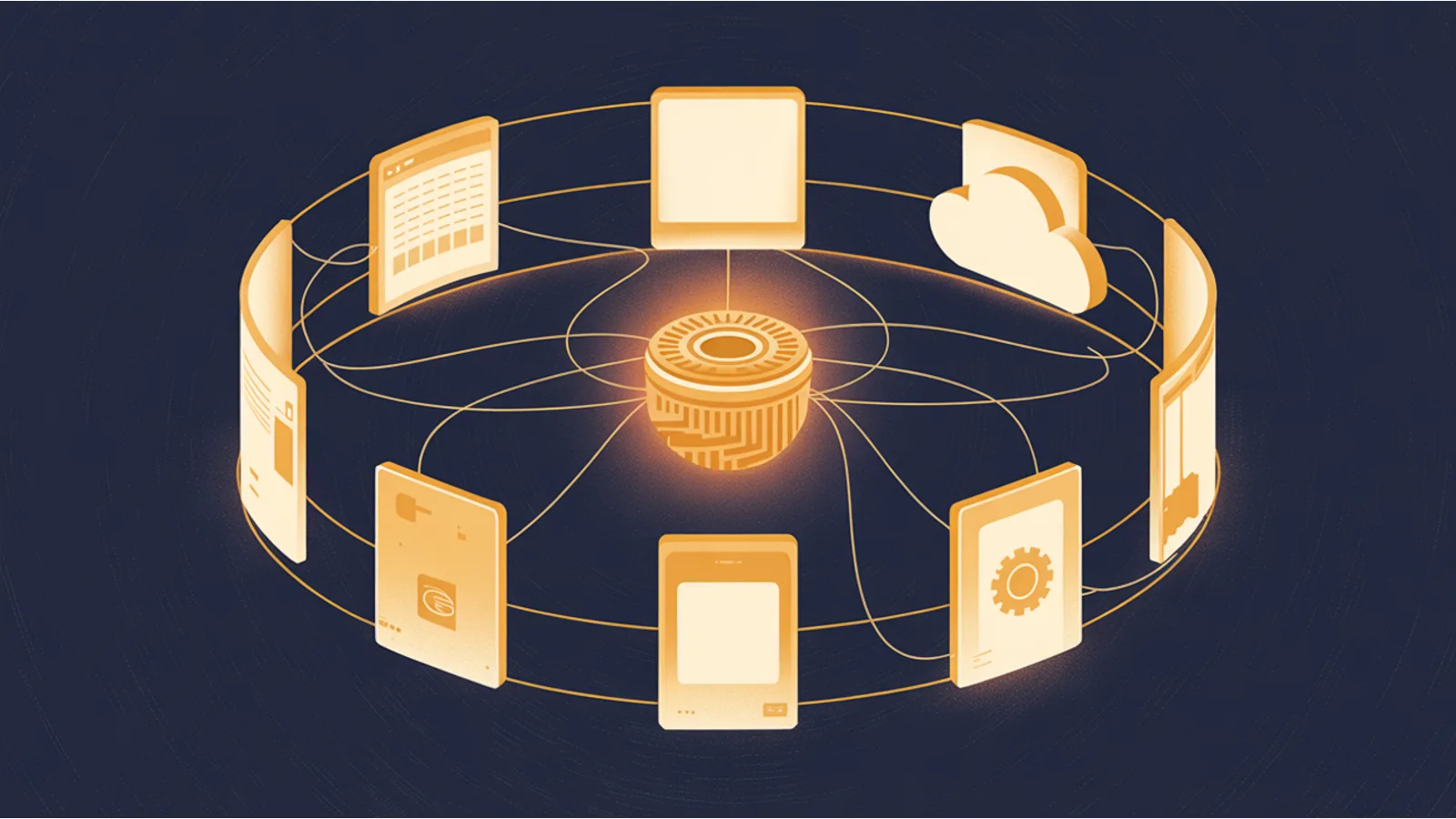
Most people meet Claude Code as a command you type in a terminal. That is the default, and it is a good one. It is not the only one. There are several other doors into the same engine, and the door you walk through changes what the work feels like, where it runs, and who it is for. If the terminal is not where you want to live, you have options, and a couple of them are not really about coding at all.
Here is the map.
The desktop app: a window instead of a prompt
There is a Claude Code desktop app for Mac and Windows with a graphical Code tab. Same engine as the terminal, different surface. You get a sidebar of parallel sessions, a layout that puts an editor and a terminal and a diff view side by side, a live preview of the app you are building, and visual review of changes before you commit them. Nothing about it requires you to know terminal commands.
Reach for it when you would rather see the work than scroll a transcript. Download it from the Claude site, sign in, and open the Code tab.
The IDE extensions: Claude Code inside your editor
If you already live in an editor, Claude Code comes to you. There is an extension for VS Code (it also works in Cursor) and a plugin for the JetBrains family, IntelliJ, PyCharm, WebStorm, GoLand, and the rest. Both put a chat panel right in the editor, show diffs inline in the editor's own diff viewer, let you point at files with an @ mention, and quietly hand Claude the code you have selected and the errors your editor is already showing.
Install it from the VS Code marketplace or the JetBrains marketplace. Best if you never want to leave your editor, and you want Claude to see what you are looking at without being told.
The web and the cloud: it runs on someone else's machine
At claude.ai/code, Claude Code runs in the browser on Anthropic's infrastructure rather than your laptop. A cloud session can clone a repository you do not have checked out locally, it keeps running after you close the tab, and you can have several going at once. You point it at a repo, give it a task, and walk away.
There is also a scheduled, automated flavor of this for recurring jobs, so a cloud task can fire on a timer or a repository event without you starting it.
Remote control and the phone: keep it local, steer it from anywhere
The opposite trade is also available. Remote control keeps the session on your machine, with all of your local files, tools, and environment intact, and lets you watch and steer it from another device, a browser on a different computer or the Claude app on your phone. Start it with the /remote-control command in a session, and you can hand the task off to your pocket. The mobile app shows the session, lets you send a prompt or interrupt a run, and pushes a notification when Claude finishes or gets stuck and needs you.
Use it when you need to step away mid task. The work stays where your real environment is, and you are not chained to the desk to keep an eye on it.
Dispatch: hand off the whole task
Dispatch is a different idea from all of the above. Instead of you driving a session, you describe an outcome and Claude runs it in the background on your computer while you do something else. It lives in the Claude desktop app, you pick Dispatch from the sidebar, and you say what you want done in plain language. Claude breaks the job into subtasks and routes each one to the right worker, coding work to Claude Code and knowledge work to Claude Cowork, and you watch the status from your desktop or your phone, approving anything that needs a yes before it proceeds.
Dispatch flips the relationship: you stop steering, say what you want, and get pinged when it is done. It leans on Claude operating your computer directly, so it asks the least of you of any of these, and it is the one where your approval at each step matters most. Cowork, the knowledge work half of that handoff, deserves its own post.
The developer platform: when you want to build on Claude, not just use it
The last one is for a different person entirely. Everything above is about using Claude Code. The developer platform is about building your own thing on the same models. There is no product literally called "Claude developer," the thing people mean is the Claude platform at platform.claude.com: the Messages API, the official SDKs for Python, TypeScript, Java, Go, Ruby, C#, and PHP, a console with a workbench for trying prompts, and a managed agents layer for running stateful agents that Anthropic hosts.
Use this when the goal is a product, not a session. You are wiring Claude into an app, a pipeline, or an agent of your own, and you want the raw API and the SDKs rather than a chat surface. It is the foundation under all the others, exposed directly.
Which door for which job
A quick way to choose:
- You want to see diffs and previews, not read a scrollback: the desktop app.
- You want help without leaving your editor: the VS Code or JetBrains extension.
- You want it to run somewhere that is not your laptop: the web at claude.ai/code.
- You want to keep it local but check on it from your phone: remote control plus the mobile app.
- You want to describe an outcome and walk away: Dispatch.
- You want to build your own software on the models: the developer platform.
None of these replace the terminal so much as surround it. The same project memory, the same CLAUDE.md, and the same way of working all carry across them, so which one you pick is about the moment you are in, not a permanent commitment. If you are assembling a whole one person operation out of tools like these, the under $100 stack mindset is the spine of The $97 Launch, which is about standing up real things on a small budget without skipping the parts that matter.
Related reading
- Run /init First is the groundwork that makes every one of these surfaces start informed instead of blind.
- AI Terminal Kickstart gets Claude Code installed on a fresh machine in the first place.
- What Shipped Since You Installed Claude Code tracks how these surfaces keep changing.
- The Task You Should Never Have Been Doing is about deciding which work to hand to a computer-use agent, which is exactly the Dispatch question.
Fact-check notes and sources
- Claude Code surfaces (desktop app, web, VS Code and JetBrains extensions, remote control, mobile): Claude Code overview, desktop app, Claude Code on the web, VS Code, JetBrains, and remote control.
- Dispatch (background tasks across Claude Code and Claude Cowork, computer use): Claude Dispatch docs.
- The developer platform (Messages API, SDKs, managed agents, console): platform.claude.com.
Written from my own hands-on use of Claude Code. Mentions of Claude Code, Claude Cowork, Dispatch, and Anthropic are nominative; this site is independent, and no affiliation or endorsement is implied.
