
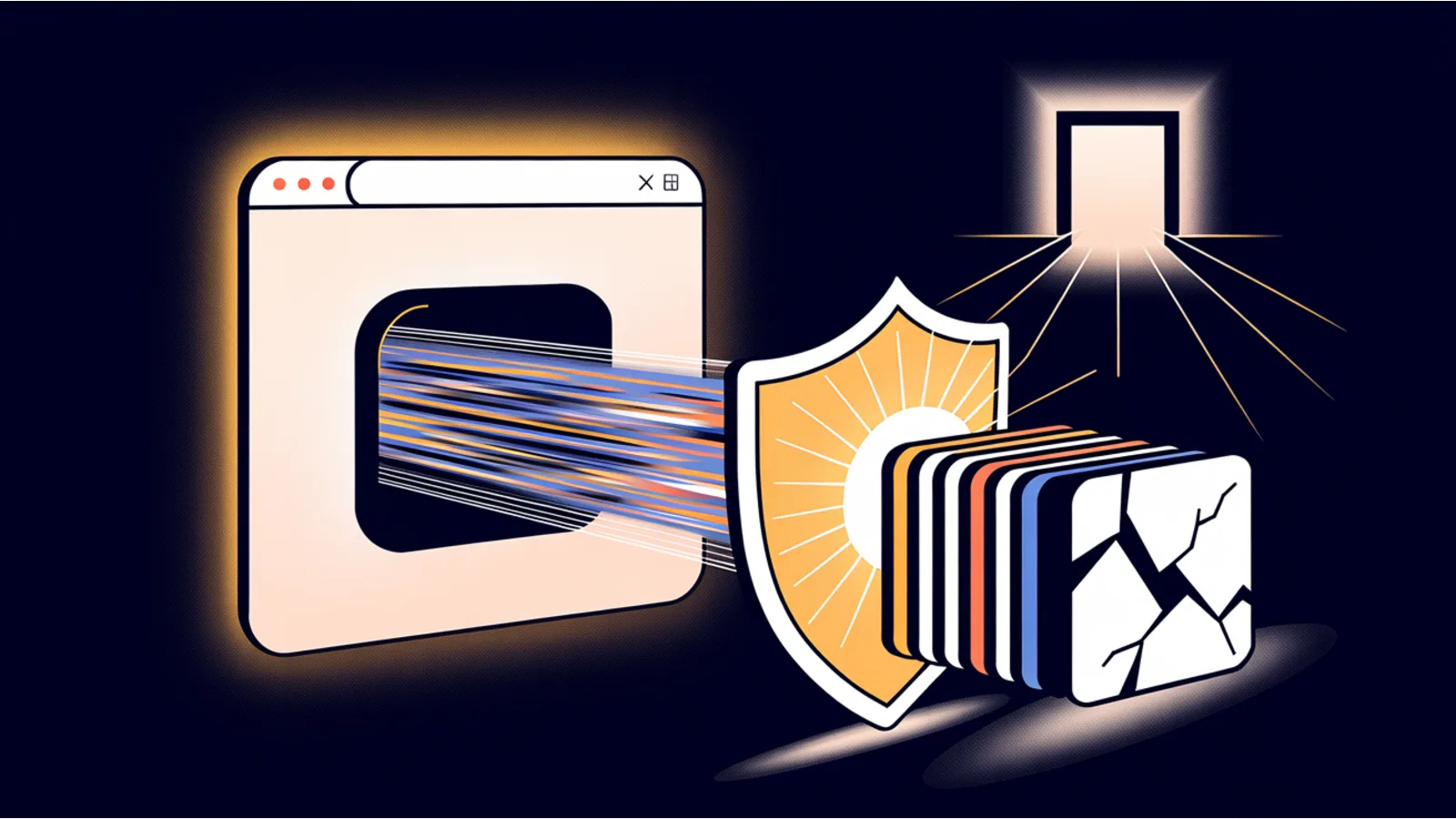
A developer recently went viral for hiding a tiny webpage inside a favicon, the little icon in your browser tab, and the headline made it sound like your browser is one image away from being hijacked. The demo is real and clever, and to the author's credit he says so plainly in his own piece: this is a disguise, not a weapon. It does not magically run code. You still need a script already executing to decode and display anything.
That honest detail is the whole point for a site owner. The favicon is not going to attack you on its own. But the techniques near it are real, they have bitten real businesses, and the fixes are cheap. Here is what is actually worth your time.
What the demo really shows
The trick is straightforward once you strip the drama. An image is just a grid of pixels, and each pixel is three bytes. If you write your own bytes into those pixel values, you can store arbitrary data inside a perfectly valid image file. Tools that inspect the file just see a picture. That is real, it is a known idea, and lossless formats like PNG carry the bytes back out intact (CTF image steganography reference).
What it does not do is execute. A bare script tag tucked inside decoded text does not run just because you dropped it into a page. The danger only appears if a script that is already running takes that hidden data and hands it to the page carelessly. So the correct reading is the author's own: this is evasion and obfuscation, not a new way to break in.
Why a site owner should still care
Two real, documented things sit underneath the hype, and both have hit actual businesses.
First, attackers really do smuggle malicious code inside images to slip past tools that "trust" pictures. In 2020, security researchers found a credit-card skimmer hidden inside a website's favicon on real online stores, and another variant tucked the skimmer into an image's EXIF metadata to exfiltrate card numbers (Malwarebytes, BleepingComputer). That is the pattern that should worry a shop owner: not the icon itself, but someone swapping one of your assets for a malicious one, or a third-party include doing it for you.
Second, the icon channel is a known blind spot in Content Security Policy. Most sites leave the image rule wide open because images come from everywhere, which means CSP is not the shield people assume it is when the abuse arrives shaped like an image (HackTricks CSP notes).
The checklist that actually protects you
None of this needs a security budget. If you run a site, do these:
- Relax about the favicon, worry about asset swaps. The real version of this attack is someone replacing your favicon or logo URL with a skimmer server-side, the exact 2020 Magecart pattern. Lock down who can change files on your site, and keep an eye on what loads on your checkout pages.
- Treat SVG uploads as code, not images. Here is the genuinely dangerous assumption. An SVG can contain JavaScript. As a favicon or inside an ordinary image tag, browsers ignore that script, so an SVG favicon is not the threat. But if you let customers or staff upload SVG logos or avatars and you serve them from your own domain, someone can open that file at its own URL and run JavaScript as your site, which is stored cross-site scripting (CSS-Tricks on SVG favicons). Convert uploads to PNG or WebP, or sanitize them, or serve user files from a separate domain or as downloads.
- Validate uploads server-side and strip metadata. Do not trust the file extension or the content type a browser reports. Re-encode uploaded images and strip EXIF, since that metadata is a documented hiding spot for malicious payloads.
- Never drop fetched or third-party text into the page with innerHTML. Use textContent or a real sanitizer so embedded markup cannot become active content (MDN on innerHTML security).
- Set a real CSP and add integrity checks. Tighten the script and connection rules even though the image rule stays loose, and put Subresource Integrity on any third-party script so a swapped file cannot quietly load (MDN on CSP).
- Audit what you did not write. Icon CDNs, plugins, and free-icon sites are exactly the doors the favicon skimmer used. Fewer third-party includes means fewer ways in.
One privacy footnote
There is a separate, real favicon story worth a mention, and it is about tracking, not malware. Researchers showed in 2021 that the browser's favicon cache can be abused to build a persistent identifier that survives clearing cookies and incognito mode (NDSS 2021 paper, the supercookie demo). It is a different mechanism from the image-smuggling demo above, so do not conflate the two. The practical lesson is the same one your visitors would thank you for anyway: load less third-party junk, and respect privacy.
If building your own clean, low-attack-surface site is where this leaves you, that is the entire project of my book The $97 Launch (search the title on Amazon Kindle): a compliant, sturdy small-business site for about a hundred dollars, without a pile of risky plugins.
Related reading
- Nation-State Malware and the Packages Your AI Pulls In: the dependency version of the same "trust what you did not write" problem.
- The Security Headers Trust Bundle: the CSP and header setup referenced above.
- What AI Coding Agents Leave Out: why the security details are still your job when AI builds the site.
- Learn to Secure AI, Then Build With It: the training side of taking site security seriously.
Fact-check notes and sources
- Data stored in pixels: each pixel holds three bytes, and arbitrary bytes survive a round trip through a lossless format like PNG (CTF reference). The "entire website in a favicon" framing is the author's own admitted hyperbole; the payload was a tiny HTML snippet.
- Favicon and EXIF skimmers (2020): real Magecart campaigns hid card skimmers in a favicon and in image EXIF metadata (Malwarebytes, BleepingComputer).
- SVG and script: browsers ignore script in an SVG used as a favicon or via an image tag, but an SVG opened as its own same-origin document can execute as stored XSS (CSS-Tricks).
- innerHTML and CSP: prefer textContent or sanitization (MDN); the image rule in CSP is commonly a blind spot (HackTricks, MDN CSP).
- Favicon supercookie: persistent tracking via the favicon cache, a separate phenomenon from the storage demo (NDSS 2021, demo repo). A favicon cannot, on its own, run code; that is stated plainly and is not in dispute.
This post is informational, not security-consulting advice. Mentions of Malwarebytes, Mozilla, and other third parties are nominative fair use. No affiliation is implied.
